%20(1).svg)


Connect Risotto to Jira. Give your ITSM an intelligent sidekick.
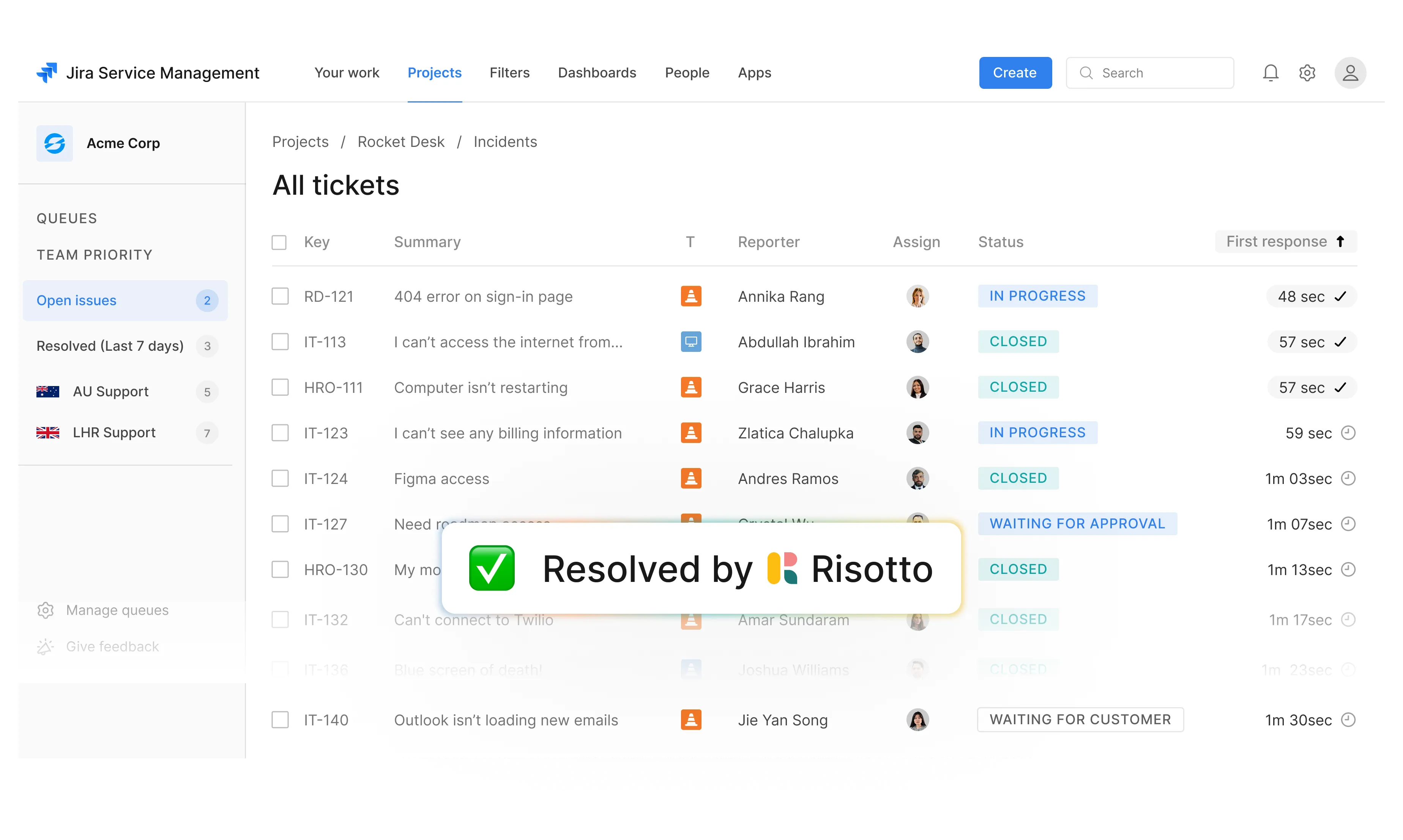
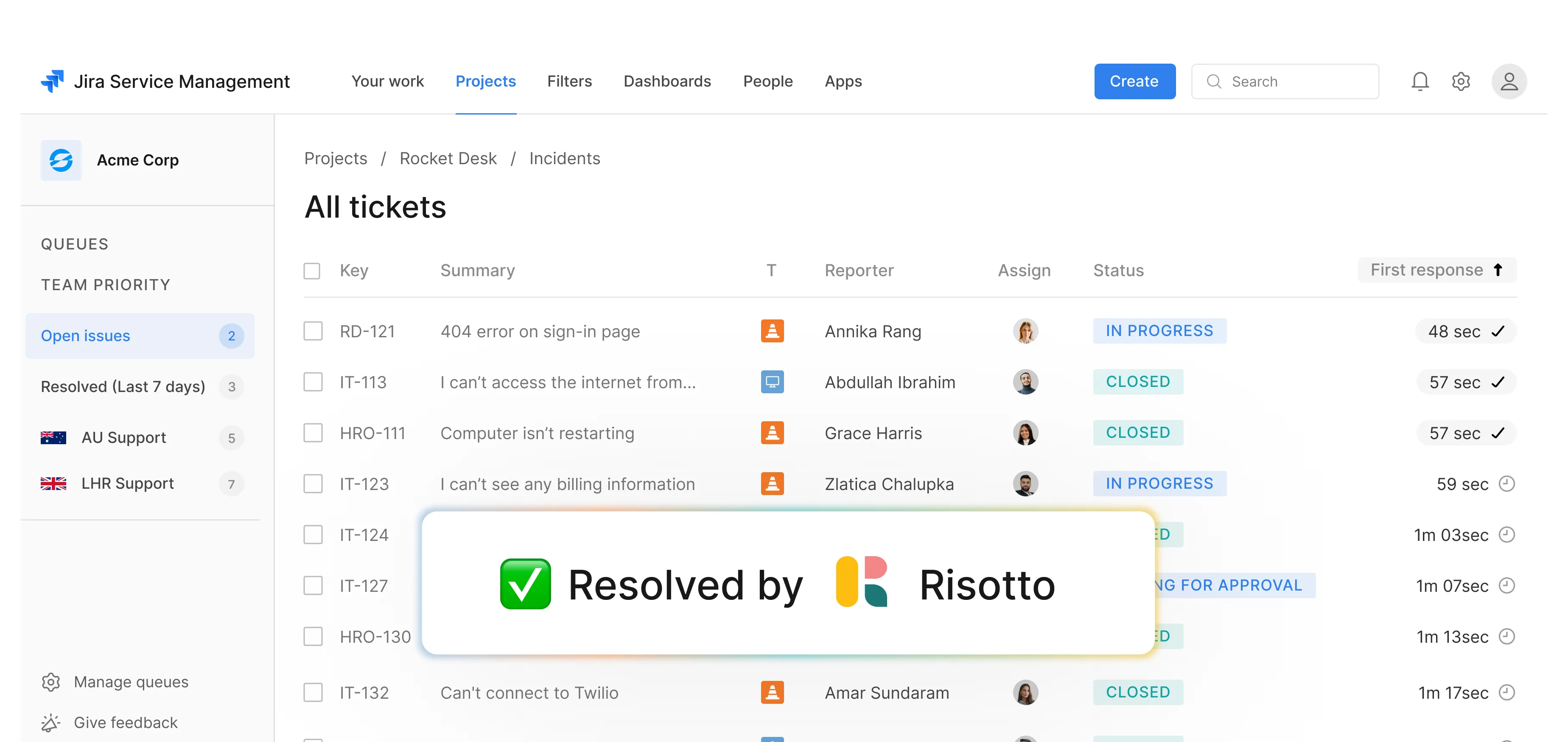
Resolve tier 1 tickets in your chat tool automatically. Escalate tier 2 requests to the right person with a remediation plan ready to go.
Trusted by modern companies that can’t afford slow internal support.





















Why Risotto is your IT team’s favorite coworker.

“Risotto is one of the easiest tools I’ve implemented. We were up and running in less than a week and already seeing our first auto-solves.”




“We started seeing deflection rates jump from 3-5% to over 20%, which is huge.”

Keep Jira for tickets. Add Risotto to resolve them faster.






Auto-solve tier-1 tickets in your chat tool, without dropping Jira.
Resolve routine requests like:
Risotto learns from:
Escalate every ticket based on:
Automate access and approvals by:
Resolve routine requests like:
Resolve routine requests like:
Risotto learns from:
Escalate every ticket based on:
Automate access and approvals by:
Resolve routine requests like:
The workflows where Risotto saves you the most time.
Automate password resets, certificate renewals, and credential updates.
Verify credentials and auto-approve role-based and time-bound access requests.
Diagnose and troubleshoot a variety of issues like malfunctioning cameras, connectivity problems, and glitchy laptops.
Deal with policy edge cases, unusual hardware errors, and situations involving sensitive data by auto-routing them to the right person.
Run onboarding based on pre-configured software, system, device, and access requirements.
Meet employees where they already are.
Your employees submit tickets from wherever they work: Jira, Slack, Teams, or email.
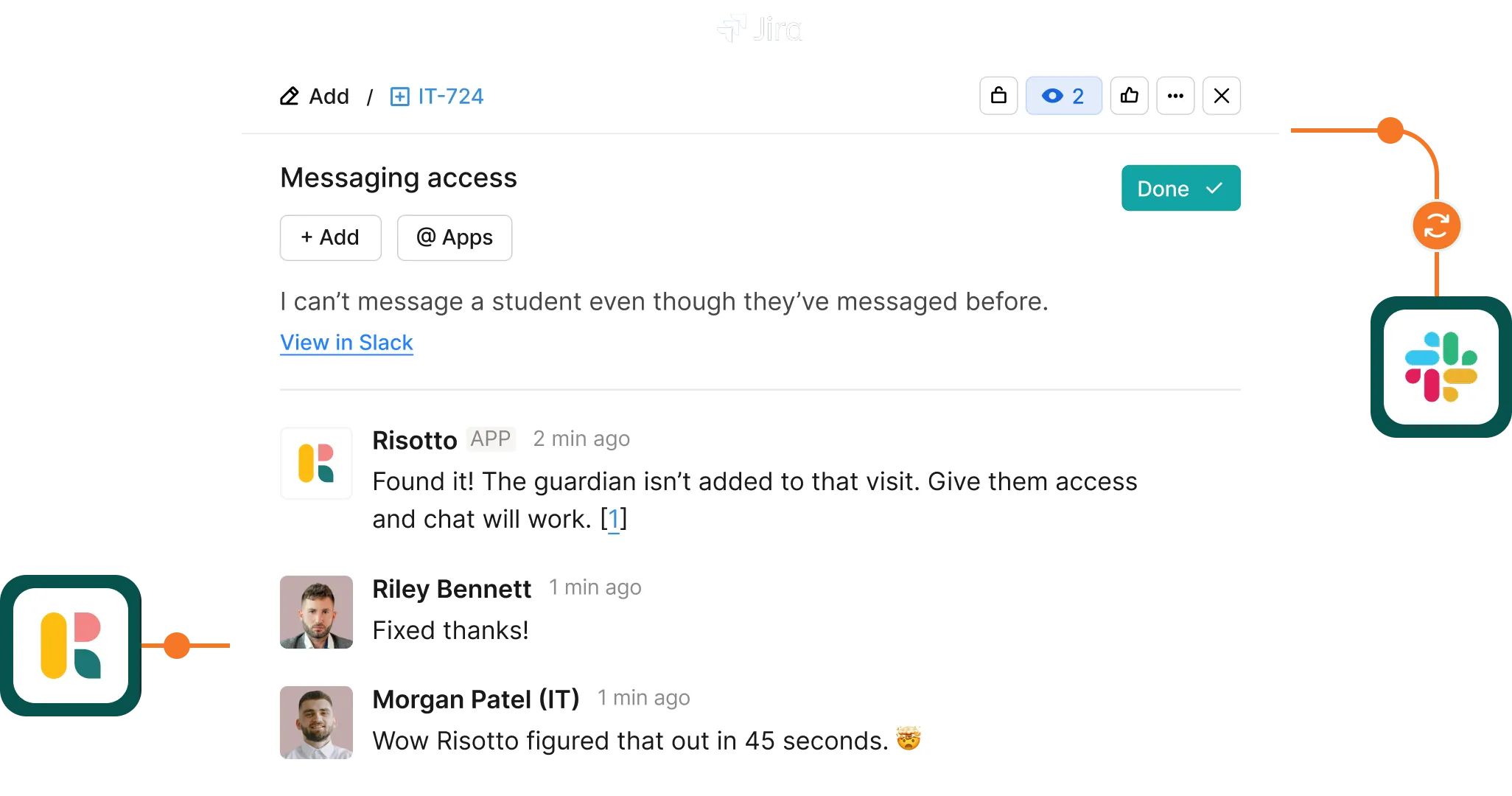
Risotto logs and categorizes each ticket in Jira Service Management, and resolves tier 1 requests via conversational chat.

Why IT teams can’t go back to Jira without Risotto.
Turn any response into a KB article with a few clicks. Enhance Risotto’s understanding with every resolved query.
No parallel platform, no tab switching every few minutes. Log everything in the Jira portal your team already works with.
Handle 3x the ticket volume without overloading your systems and existing team. As the company grows, ensure your IT capacity grows with it.
Control who can see and answer requests and record every action that Risotto takes in Jira. Keep logs clean, secure, and compliant.
We’ll get to these questions
Still have questions? These might help.
We’ll get to these questions
From custom workflows to advanced access policies, our support team helps you get the most out of every integration.
How long does setup take?
Most teams connect Jira to Risotto in under 30 minutes. Workflows you've already built in Jira are immediately available for conversational execution.
Does this work with our existing Jira setup?
Risotto integrates with your Jira portal without requiring changes to workflows or permissions.
Does Risotto have its own ticketing?
Yes! Risotto can work for end-to-end ticketing as well. If you’re looking for an intuitive modern ITSM, Risotto can work all by itself.
What happens if a query is misdirected?
Risotto takes access control seriously, and that includes monitoring who can see and respond to queries. In the unlikely event a query goes to a person who cannot resolve it, they can redirect Risotto and our AI will learn from the interaction.
What about compliance and audit requirements?
Every workflow execution is logged with full context, including the requester, the actions taken, the results, and timestamps. Logs are available in both Risotto and Jira for compliance reporting.
Still have questions?
Contact us
Every policy question is stealing time from the work Finance was hired to do.
Turn Slack requests into action items instead of engineering interruptions.
The biggest deal risk might be an unanswered internal question.
Run a united support system that your employees can depend on.
Build the automations you’ve been planning on for months.
The bottleneck isn't your team. It's the groundwork before they can actually help.
Get support data that your team can talk to.
Your Jira queue doesn’t have to be permanently backed up.
Jump on a call to understand:
Watch tier 1 tickets disappear from day 1. Let your IT team get back to the work that actually matters.
.svg)
See what makes the Iru integration a 10/10 for our clients.