%20(1).svg)
See how well your internal support is performing at a glance.
Get insights from support patterns across your stack. Track what’s driving volume, what’s slowing teams down, and what AI is resolving, all in one place.




Trusted by modern companies that can’t afford slow internal support.























Track what’s happening across support without building another reporting workflow.
Risotto surfaces the patterns your team should pay attention to, without anyone running a report to find them.
Risotto turns support data into conversational answers, so you see insights without filtering dashboards or exporting spreadsheets.
Risotto generates structured reports for every aspect of your support operation.
Track how much work Risotto handles autonomously, what it accelerates, and where human involvement is still needed.
Risotto turns support activity into easily accessible stakeholder-ready summaries.

Risotto surfaces the patterns your team should pay attention to, without anyone running a report to find them.

Risotto turns support data into conversational answers, so you see insights without filtering dashboards or exporting spreadsheets.
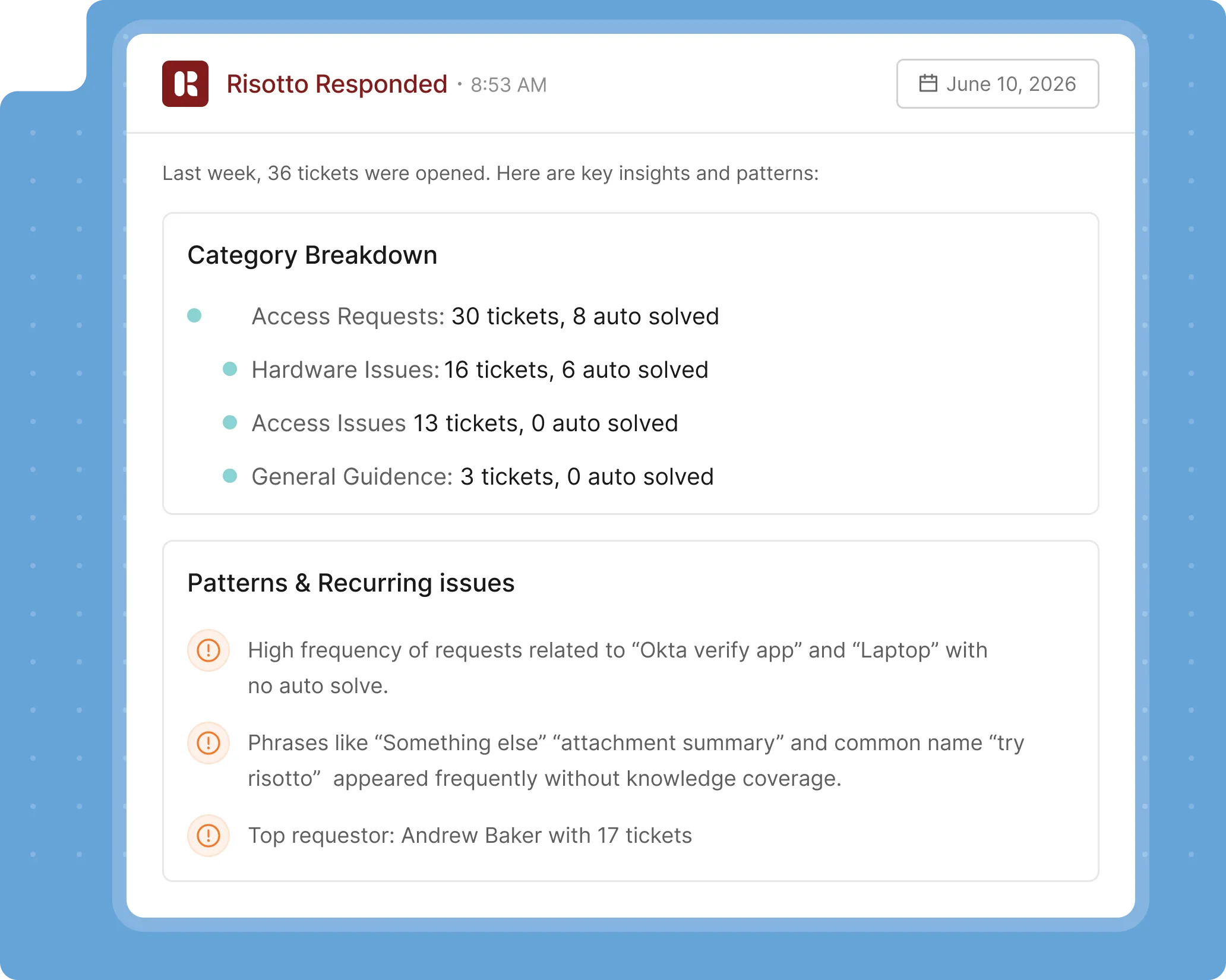
Risotto generates structured reports for every aspect of your support operation.

Track how much work Risotto handles autonomously, what it accelerates, and where human involvement is still needed.

Risotto turns support activity into easily accessible stakeholder-ready summaries.
Make support decisions using data, not gut feeling.
Risotto tells you where the routine glitches, bugs, and breakdowns happen, and what you can do to improve support quality.
Risotto tells you which ticket types are ripe for automation, based on your support needs and request patterns.
Don’t wait months for HR to realize one of their onboarding flows is broken. Automatically share updates, summaries, and performance insights across stakeholders.
Find out which KB articles are being pulled and failing and which topics have no documentation at all, without doing a manual audit.
Here’s what support sounds like when every department finally works together.




Risotto's AI-powered support system had a massive impact straight out of the box and with very little setup. Employees now get fast, efficient answers with the same precision as one of our professionals.

Mike Smith
IT Operations Manager at Jobber
Read full case study
Since onboarding Risotto, we stay focused on our internal projects.

Kevin Vye
Senior Director of Information Security and Technology
Read full case study
We accomplished nearly the same configuration with Risotto in an hour that took us months with another company.

Phillip Rickett
Head of IT, Fundrise
Read full case study
Risotto is so smart and convenient that it became our new support system almost immediately. I'd bring them to every company where I run support operations.

Victoria DiRugeris
IT Operations Manager at Hazel Health
Read full case study
Your engineering stack stays in place. Risotto connects everything.
Your support data already exists across systems. Risotto connects the dots.
Tech stacks are messy. Risotto ties them together.
Plug into your stack on day 1. Start automating by day 2.
Stop context-switching. Start operating everything from within chat.
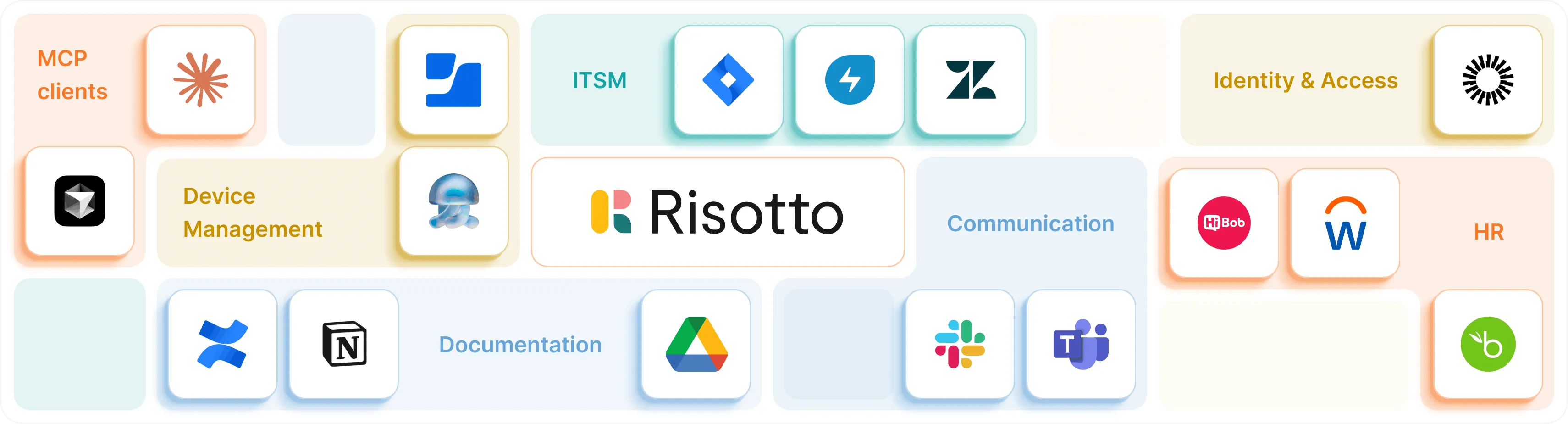
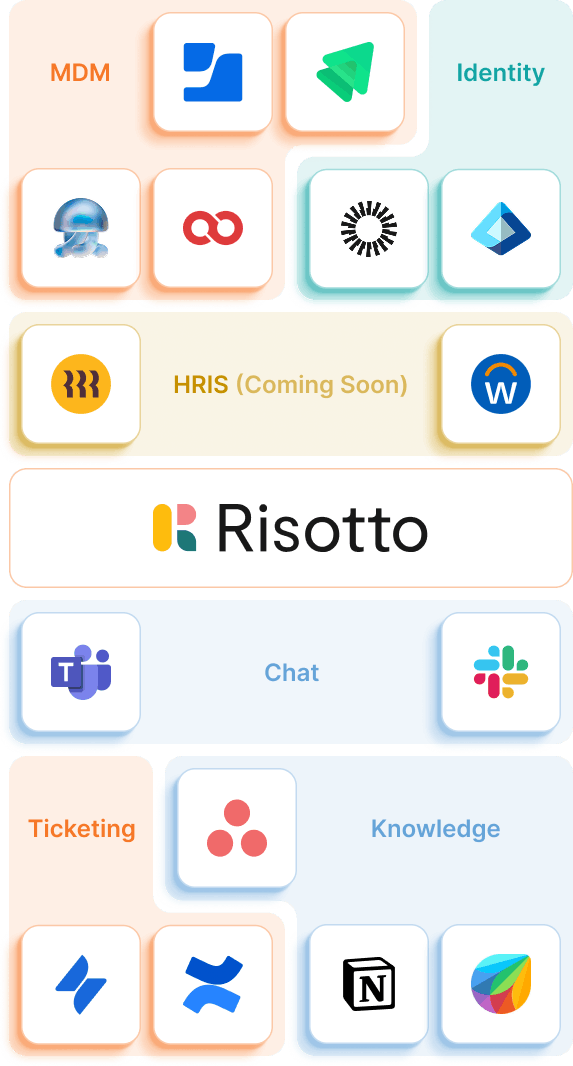
Data is the last step. Risotto handles your entire support lifecycle.
Resolve repetitive employee requests automatically before they become tickets.
Learn more
Automate approvals, provisioning, onboarding, and operational workflows using plain English.
Learn more
Create one support layer across IT, HR, Finance, Legal, and Operations.
Learn more
Handle your hardest tickets before your agents touch them.
All the analytics FAQs before you commit to a demo.
Still have questions? These might help.
All the analytics FAQs before you commit to a demo.
From custom workflows to advanced access policies, our support team helps you get the most out of every integration.
What does Risotto actually measure that our current reporting doesn't?
Most ticketing dashboards measure volume, time, and status. Risotto measures why tickets happen, which ones recur, where resolution breaks down, and what your KB is missing.
How does it identify recurring issues?
Risotto can group tickets by underlying cause rather than surface-level category. So fifteen tickets submitted with different descriptions but the same root problem get recognized as one recurring issue.
Can it tell us where our knowledge base is falling short?
Yes, Risotto flags every ticket it had to reason through or escalate, rather than resolve from existing documentation. This helps you identify which KB articles are missing, incomplete, or out of date.
Does Risotto share AI performance and not just agent performance?
Yes. Risotto's performance reporting separates autonomous resolutions, assisted resolutions, and escalations, so you can see exactly what the AI is handling, where it's handing off, and where it needs human intervention.
Can we set up alerts when something in the data changes significantly?
Yes. You can set up alerts that trigger when ticket volume spikes, SLA breach risk increases, resolution times cross a threshold, and more. Alerts land in Slack or Teams or wherever your team already works.
How does it handle reporting on sensitive tickets like HR issues, security incidents?
Sensitive ticket categories are configurable. Specific types can be excluded from aggregated reporting or restricted to specific roles. Risotto respects the same access controls your ticketing system applies, so sensitive data doesn't surface in reports to people who shouldn't see it.
Every policy question is stealing time from the work Finance was hired to do.
Turn Slack requests into action items instead of engineering interruptions.
The biggest deal risk might be an unanswered internal question.
Run a united support system that your employees can depend on.
Build the automations you’ve been planning on for months.
The bottleneck isn't your team. It's the groundwork before they can actually help.
Get support data that your team can talk to.
Give us 30 minutes to show you:
.svg)
%20(1).avif)
See what makes the Iru integration a 10/10 for our clients.