%20(1).svg)
Tell Risotto what you need to automate. It'll figure out the rest.
You start with the outcome, not code. Give Risotto a plain English command and it will build the Runbook, connect your tools, test the flow, and take it live.
Trusted by lean support teams with big hearts (and bigger ticket queues).





















50%
20-60%
3.8s

Meet your entire quarter’s automation goal in less than a day.
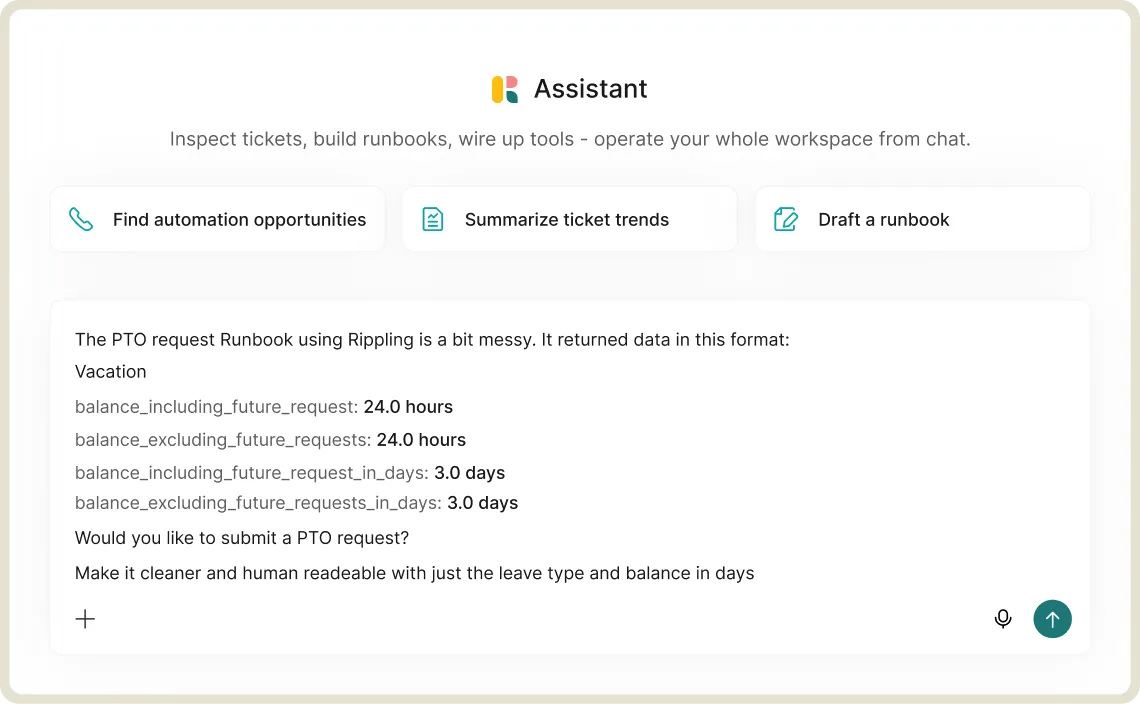
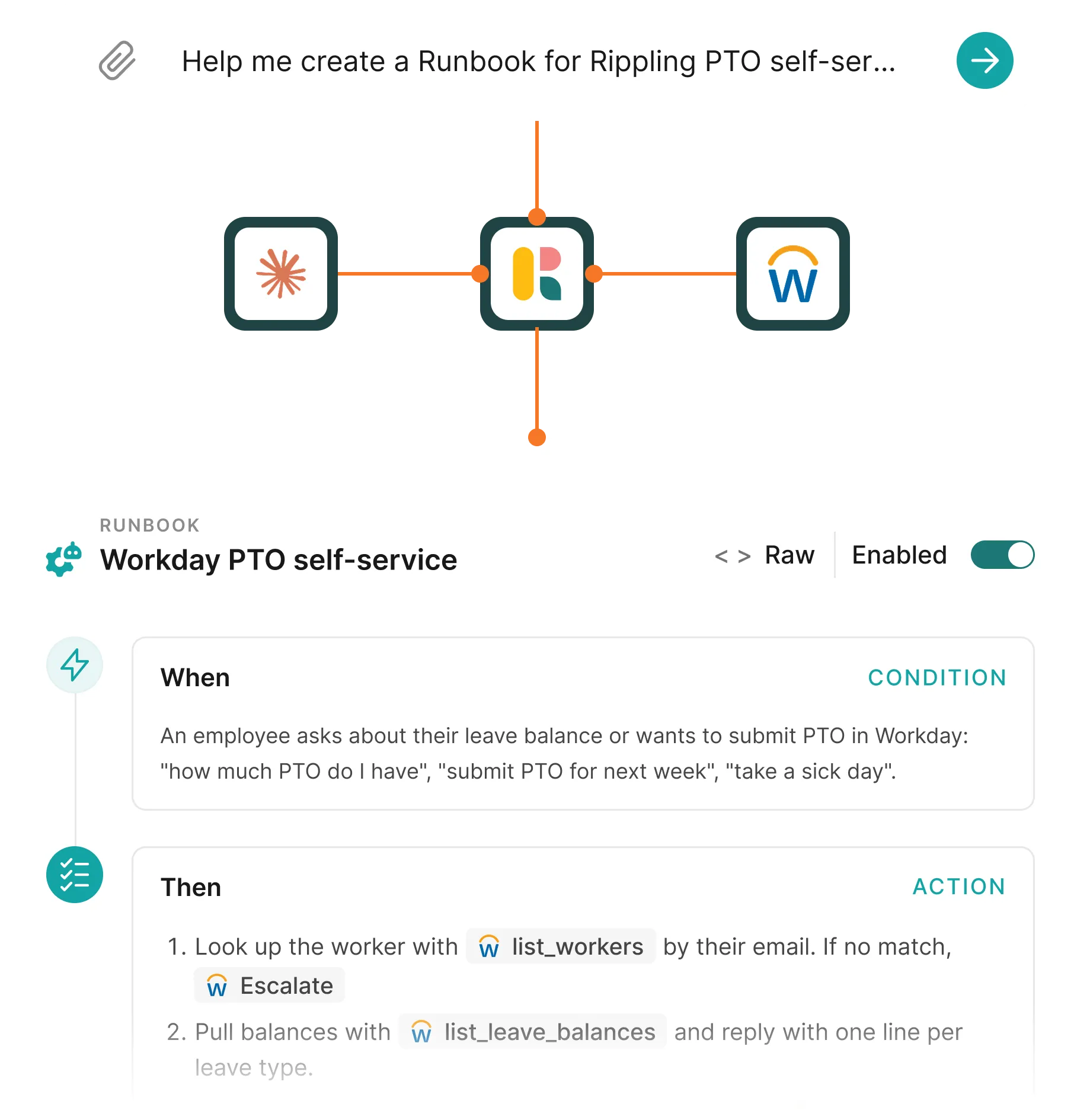
Describe what you need in simple English.
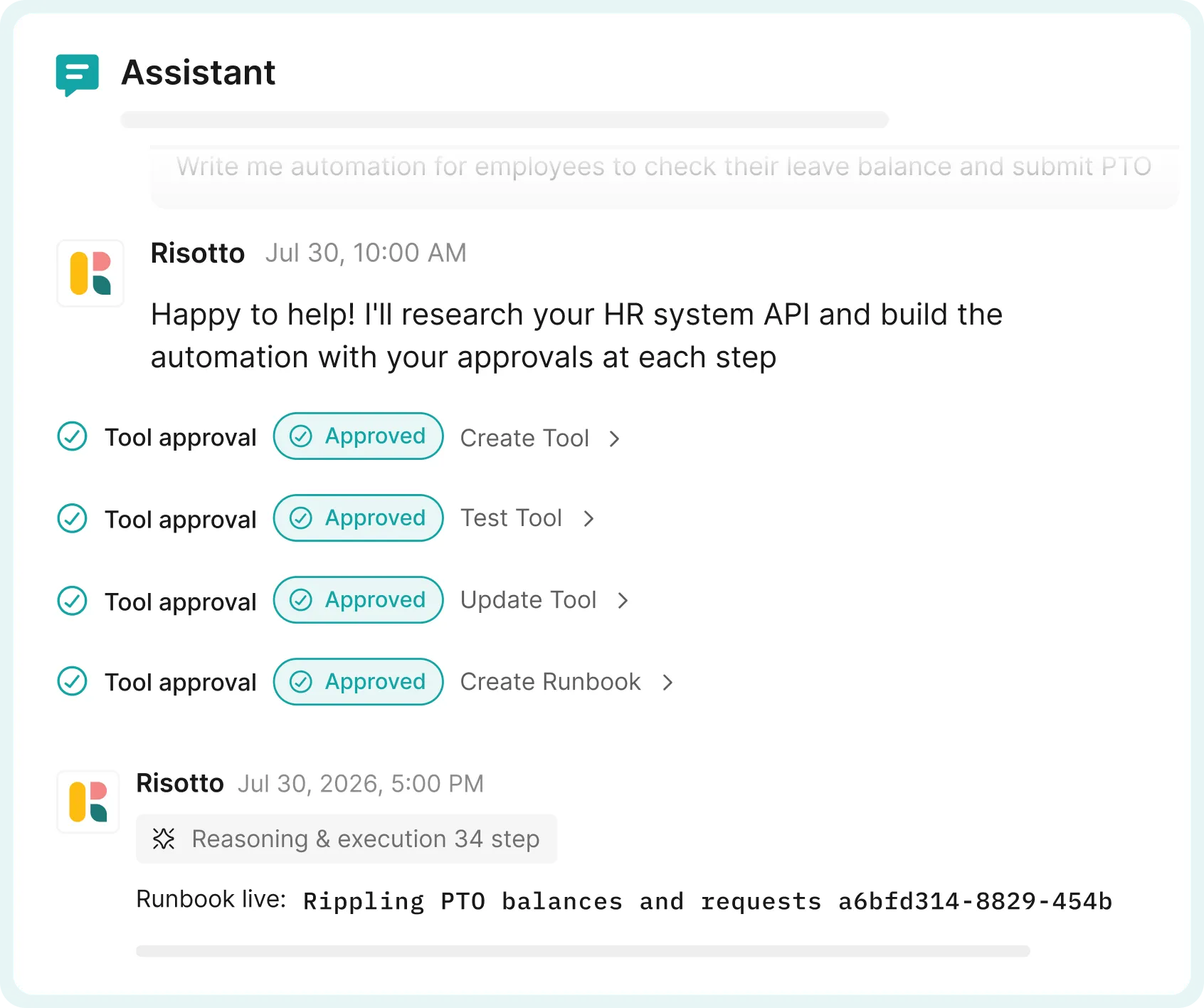
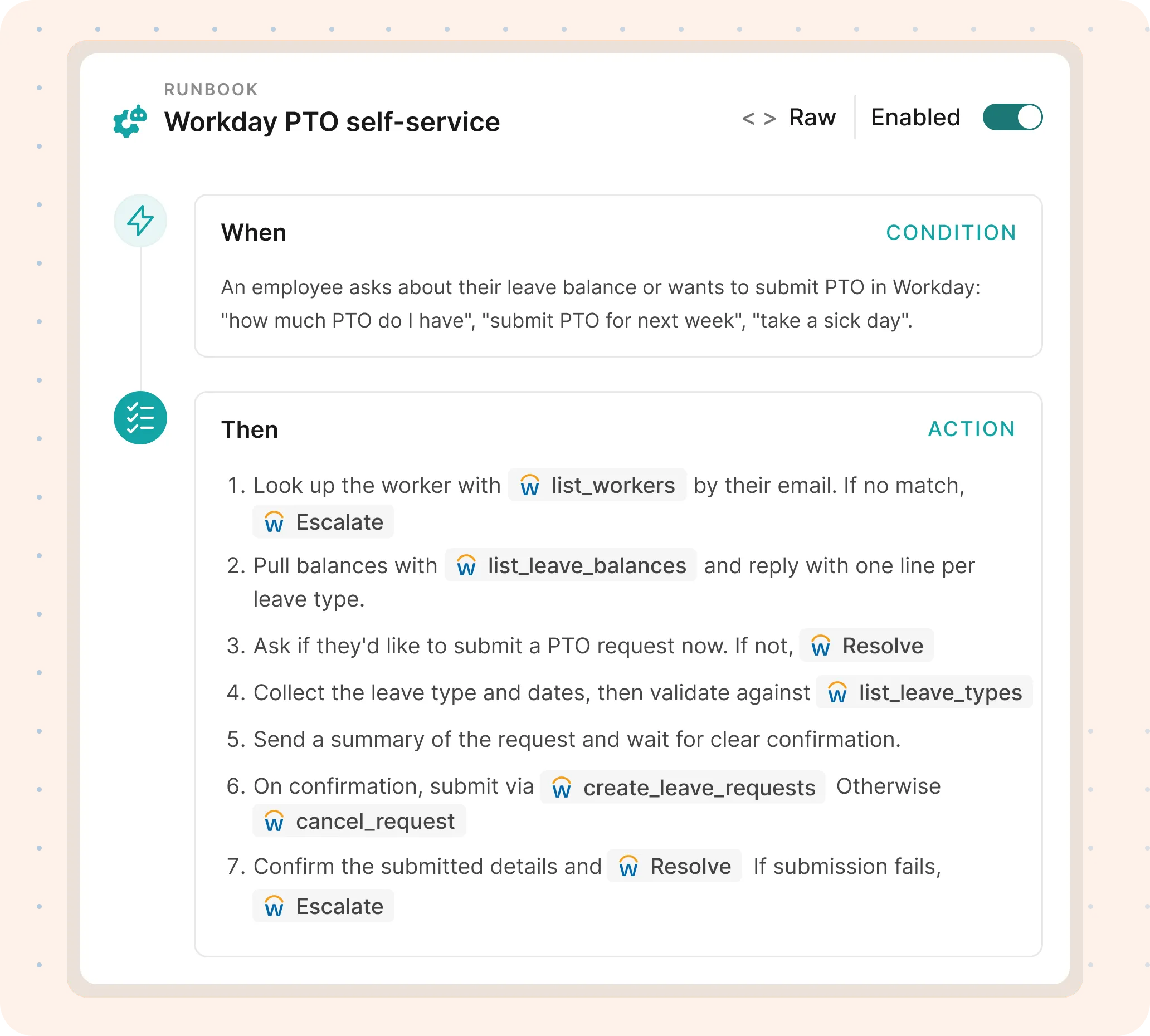
Risotto logs every step, tests, and publishes.
Modify existing Runbooks without rebuilding from scratch.
Point Risotto at a Runbook you already have and describe what needs to change. It updates the workflow and takes it live.
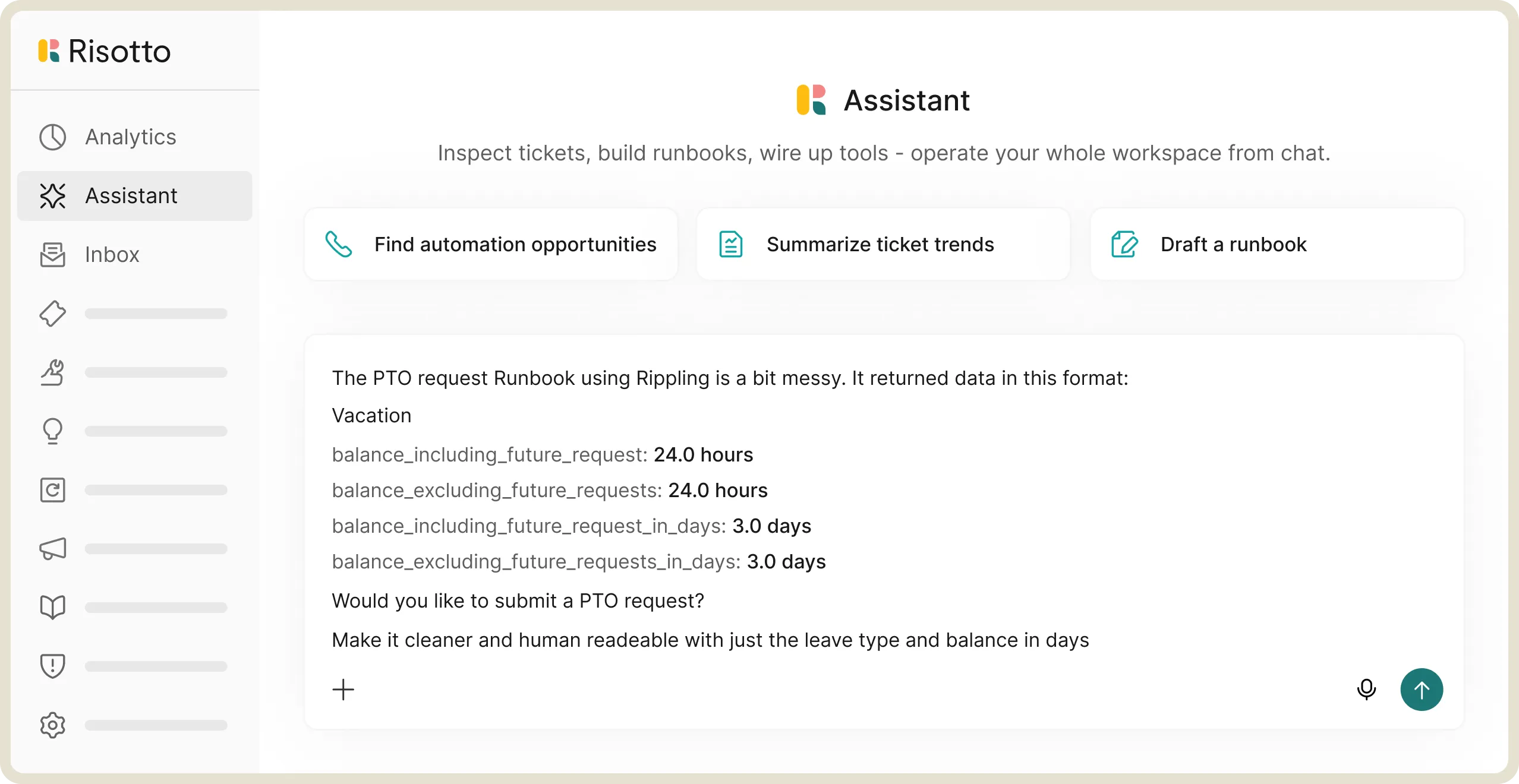

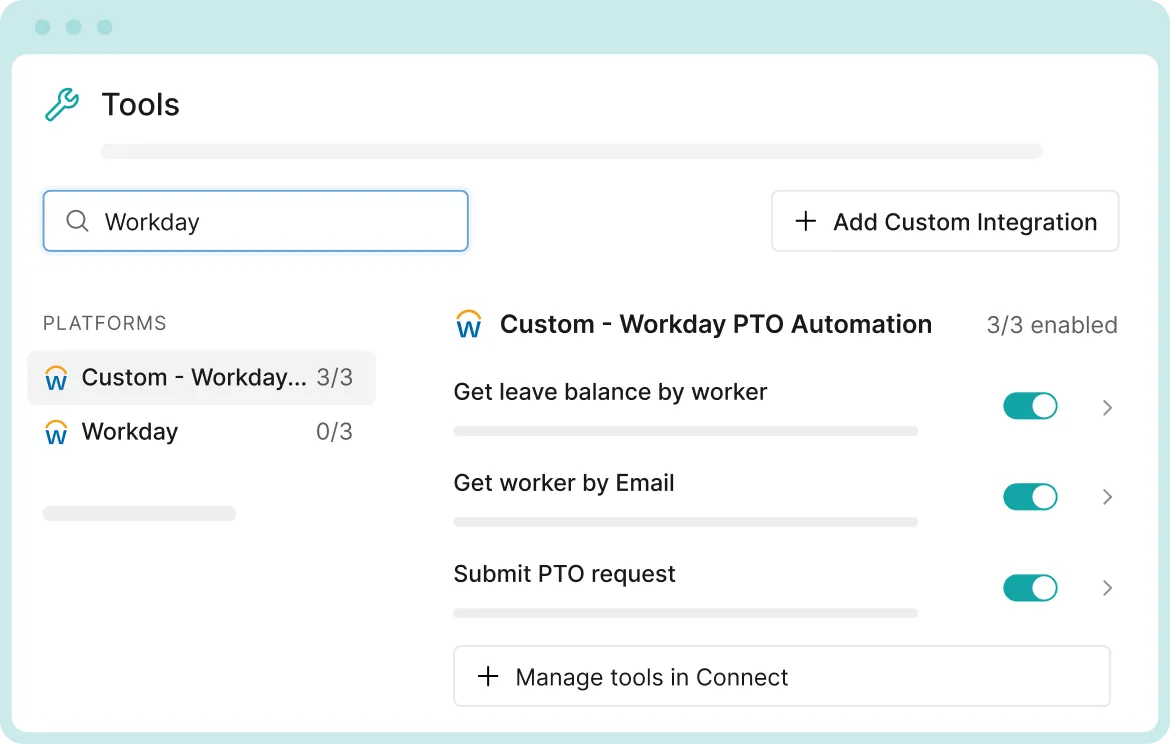
If it has an API or MCP server, Risotto can automate it.

Less time building automations. More automations people actually use.
The whole team can build one. Nobody has to be the person who already knows the config UI.
When a process changes, you update the Runbook. You don't start over.
If it has an API or an MCP server, it's automatable, which means "we don't support that" stops coming up in vendor evaluations.
What it sounds like when building a workflow takes a sentence, not a sprint.




Risotto's AI-powered support system had a massive impact straight out of the box and with very little setup. Employees now get fast, efficient answers with the same precision as one of our professionals.

Mike Smith
IT Operations Manager at Jobber
Read full case study
Risotto delivers everything an AI help desk should: visibility, easy iteration, and a top-tier end-user experience. The autosolve rate was high right out of the gate, and we only expect that number to keep climbing.

Daniel Furtado
Director of IT Operations and Services
Risotto intelligently understands the intent behind the request. It confirms existing permissions, coordinates necessary approvals proactively, and automatically provisions access upon approval.

Phillip Rickett
Head of IT, Fundrise
Read full case study
Before Risotto, we were struggling to keep up with the sheer volume of IT requests and our turnaround times were not where we wanted them to be.

Jason Huey
Senior IT Systems Administrator
Read full case study
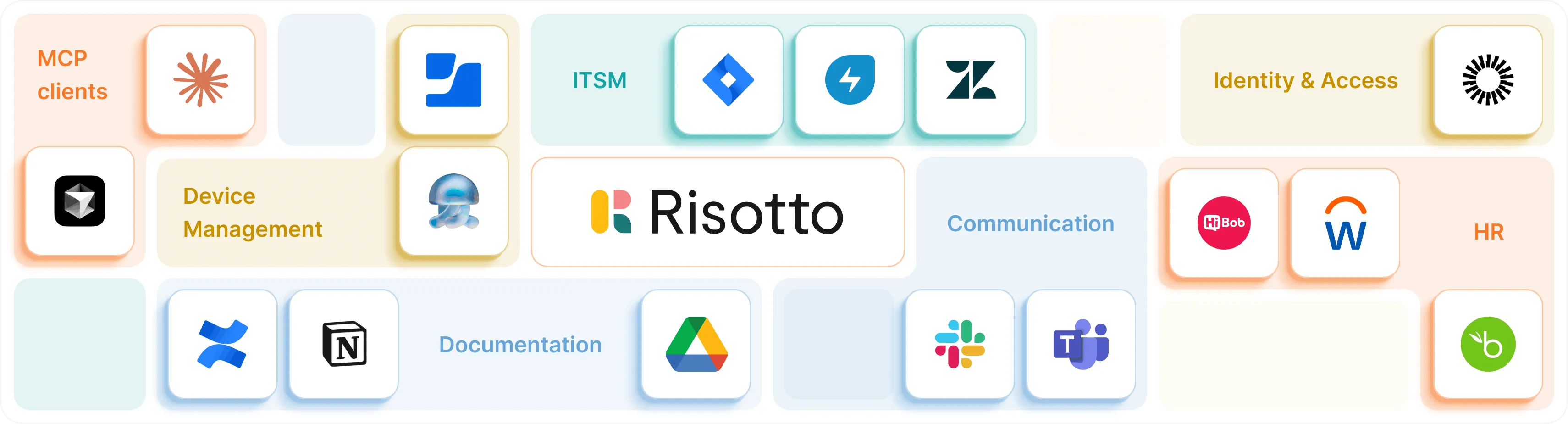
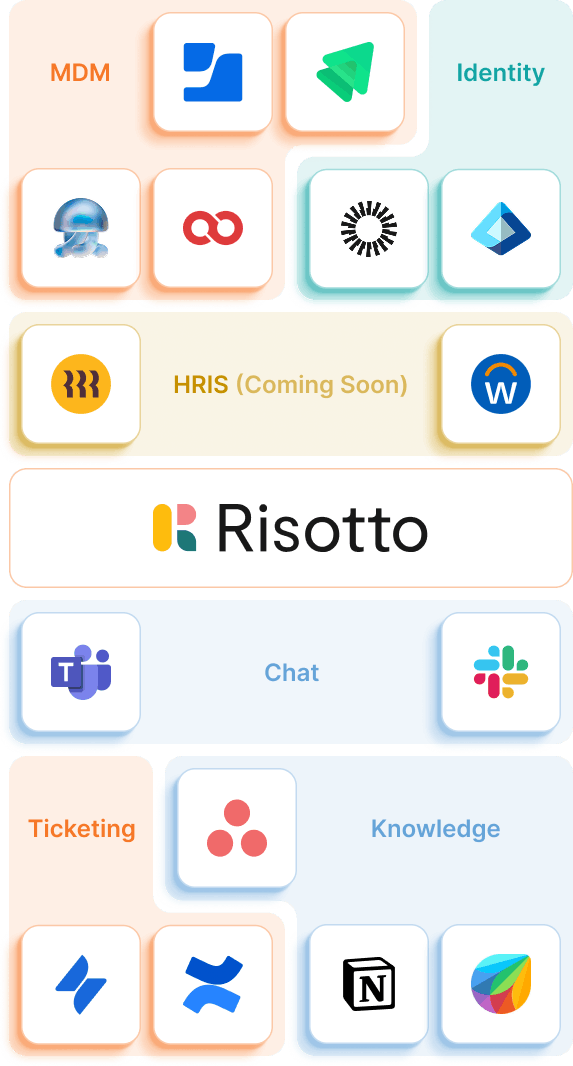
Your engineering stack stays in place. Risotto connects everything.
Your support data already exists across systems. Risotto connects the dots.
Tech stacks are messy. Risotto ties them together.
Native integrations cover the basics. Everything else connects through a REST API or an MCP server, so this list is a floor, not a ceiling.
Plug into your stack on day 1. Start automating by day 2.
Stop context-switching. Start operating everything from within chat.
The AI workflow builder is just the tip of your internal support iceberg.
Investigates every escalated ticket and matches it against the Runbooks you build here. Your agent approves, Risotto executes.
Learn more
Automates 20 to 60% of tier 1 ticket resolution on the channel your employees already use.
Learn more
Automatic ticket creation, tagging, routing, and updates, with no agent involvement required.
Learn more
One system for internal support across IT, HR, Finance, Legal, Sales, and more, running on the same Runbooks.
Learn more
Let’s get some basics out of the way first.
Do I need to know how to code to build a workflow?
No. Describe what you want in plain English, a sentence or a few, and Risotto builds the Runbook, wires up the tool calls, and tests it.
Does every new automation go live automatically?
Only if you want it to. Each Runbook can require approval before it runs, and you can turn that off once you trust it. The setting is yours, and you can change it at any time.
What can Risotto actually connect to?
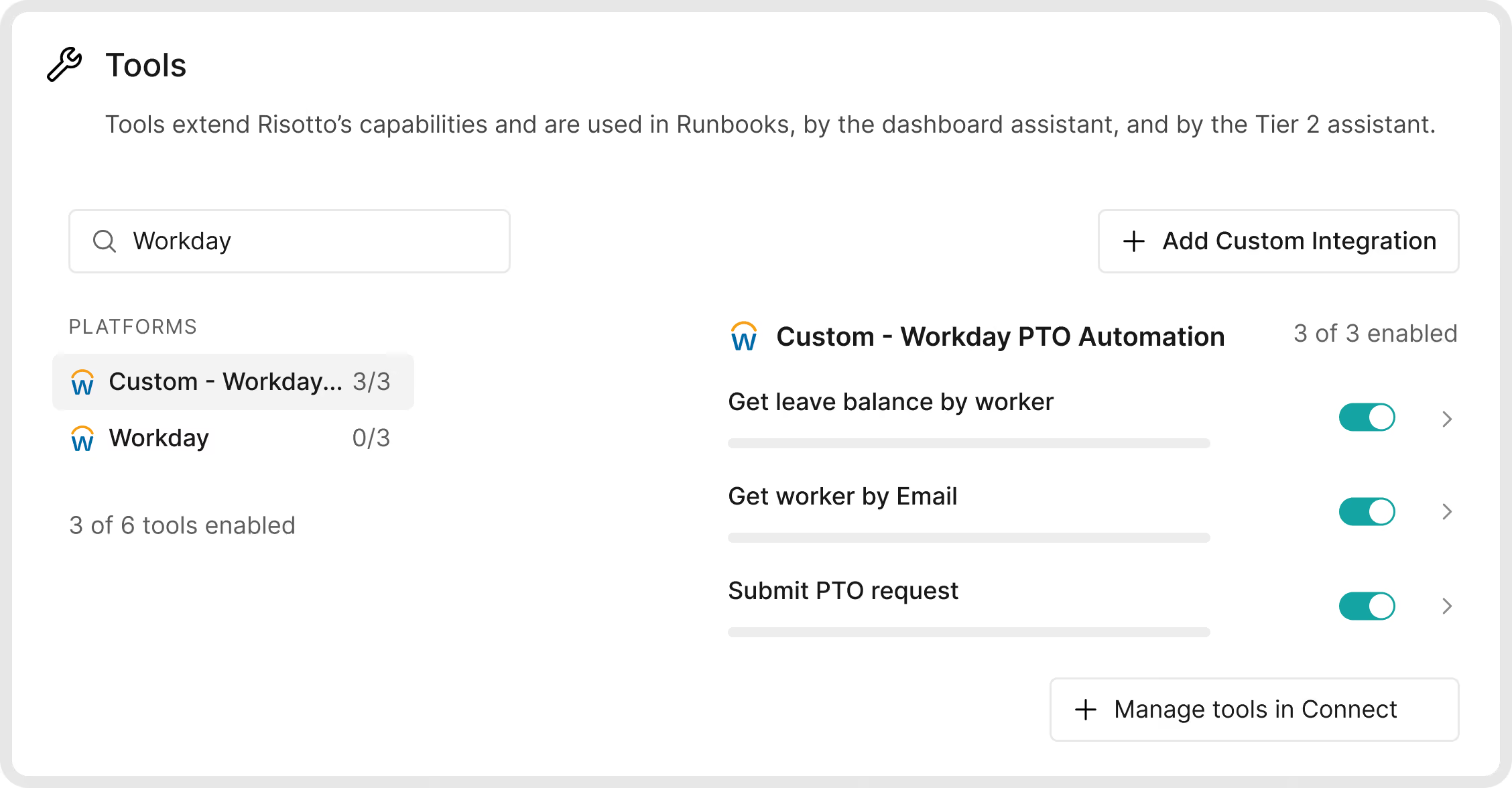
Anything with a REST API or an MCP server, plus native integrations across ITSM, HR, identity, and documentation tools. An internal tool your team built is fair game too, as long as it has an API.
How is this different from a typical workflow builder?
You're not dragging nodes on a canvas or hand-configuring triggers. You describe the workflow, Risotto writes it, tests it, and revises it the same way you'd ask a teammate to fix something.
What happens if the workflow Risotto builds isn't quite right?
Tell it what's wrong and what should happen instead, in the same conversation. Risotto updates the Runbook and you test it again. It's meant to be iterative. You'll usually go back and forth a few times before it's right.
Can Risotto modify a workflow I already have, or do I have to start over?
It modifies Runbooks in place. Point it at an existing one, describe the change, and it updates without a rebuild.
Is there an audit trail for what gets built and changed?
Yes. Every Runbook creation and modification is logged automatically: what was built, what was tested, what changed, and who approved it.
Every policy question is stealing time from the work Finance was hired to do.
Turn Slack requests into action items instead of engineering interruptions.
The biggest deal risk might be an unanswered internal question.
Run a united support system that your employees can depend on.
Build the automations you’ve been planning on for months.
The bottleneck isn't your team. It's the groundwork before they can actually help.
Get support data that your team can talk to.
Book a demo and:
.svg)
See what makes the Iru integration a 10/10 for our clients.