%20(1).svg)


Connect Risotto to Notion. Answer questions instead of sending out links.
Turn your documentation into instant, conversational support inside Slack. Employees ask in plain language and get clear answers instantly, without hunting for info in docs.
Trusted by modern companies that can’t afford slow internal support.





















Built for teams tired of answering what’s already documented.



Stop digging through Notion.
Start getting answers.
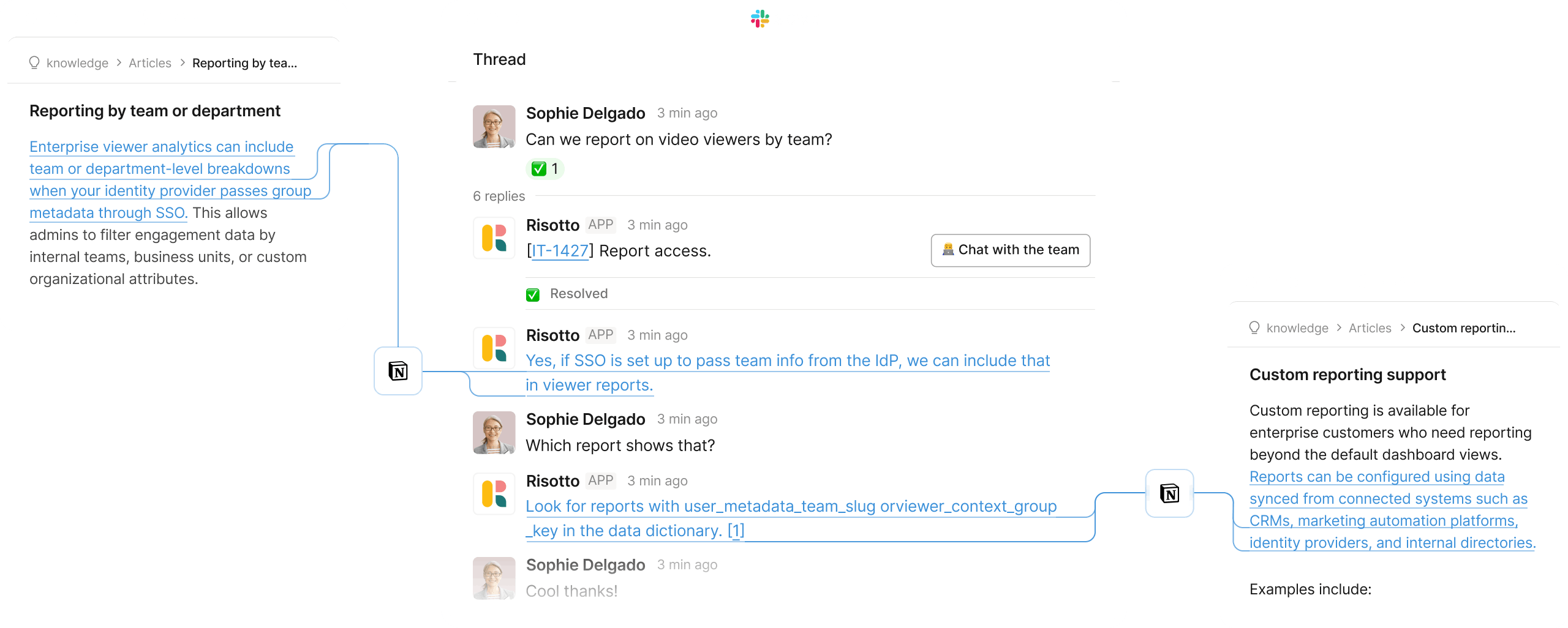
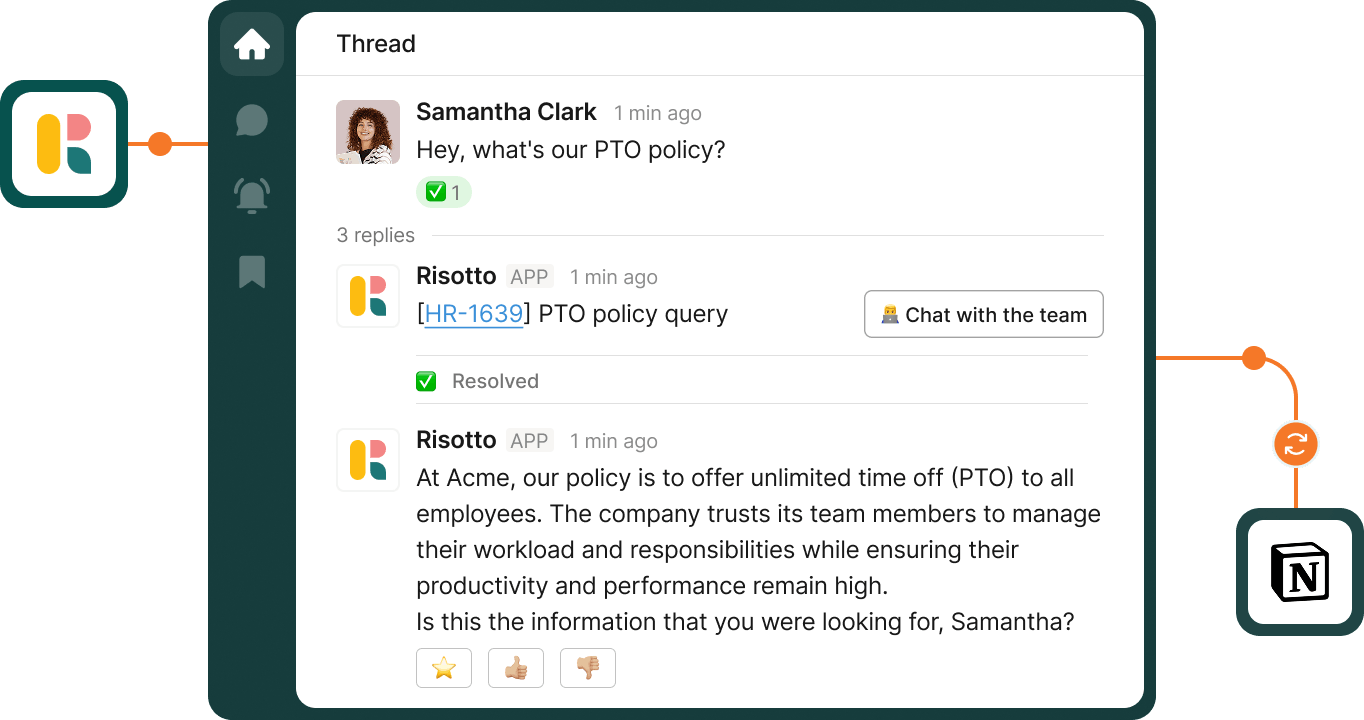
Pull the right information from Notion and respond in Slack in plain, conversational language. Give employees what they need right away instead of sending them to hunt for it.
Combine knowledge from Notion, past tickets, and internal docs. Return one clear, complete answer instead of fragmented pieces.
Turn solved questions into new Notion pages in one click. Keep your knowledge base growing and use past conversations and updated docs to improve future answers.
Apply access rules so answers respect permissions. Show only what each employee is allowed to see.
Clarify vague questions, gather missing details, and refine the answer before responding. Don’t guess, get it right.
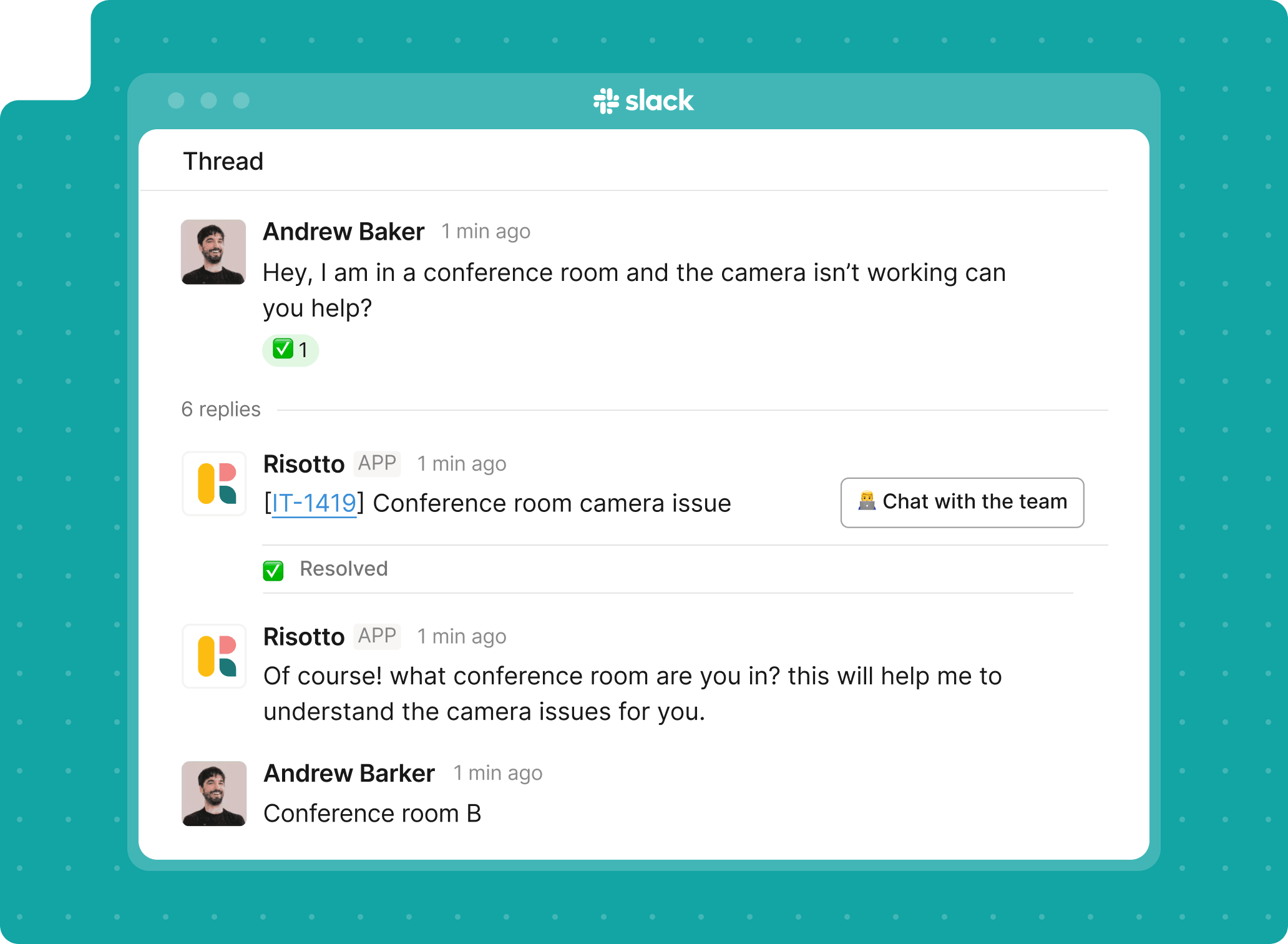
Pull the right information from Notion and respond in Slack in plain, conversational language. Give employees what they need right away instead of sending them to hunt for it.
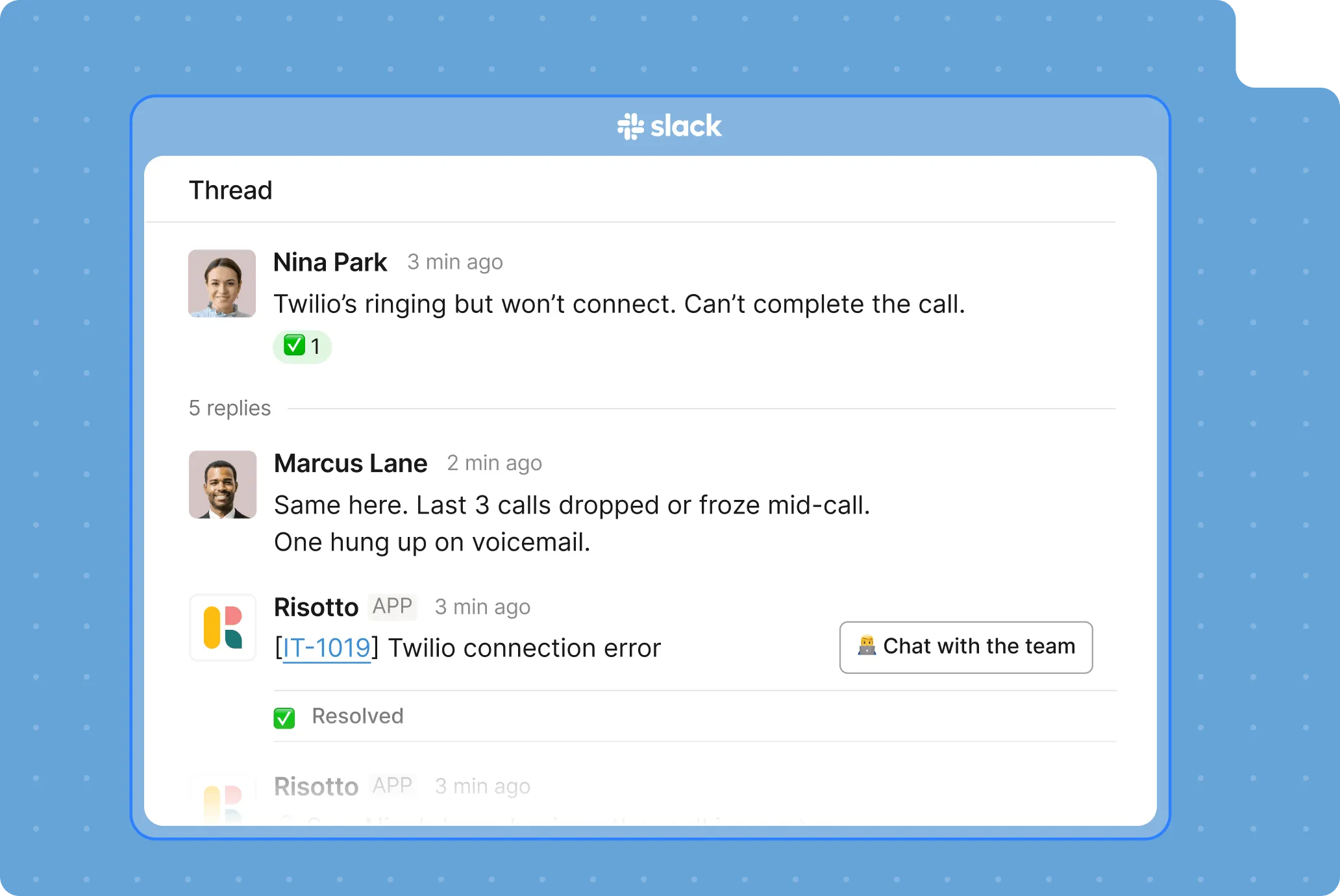
Combine knowledge from Notion, past tickets, and internal docs. Return one clear, complete answer instead of fragmented pieces.
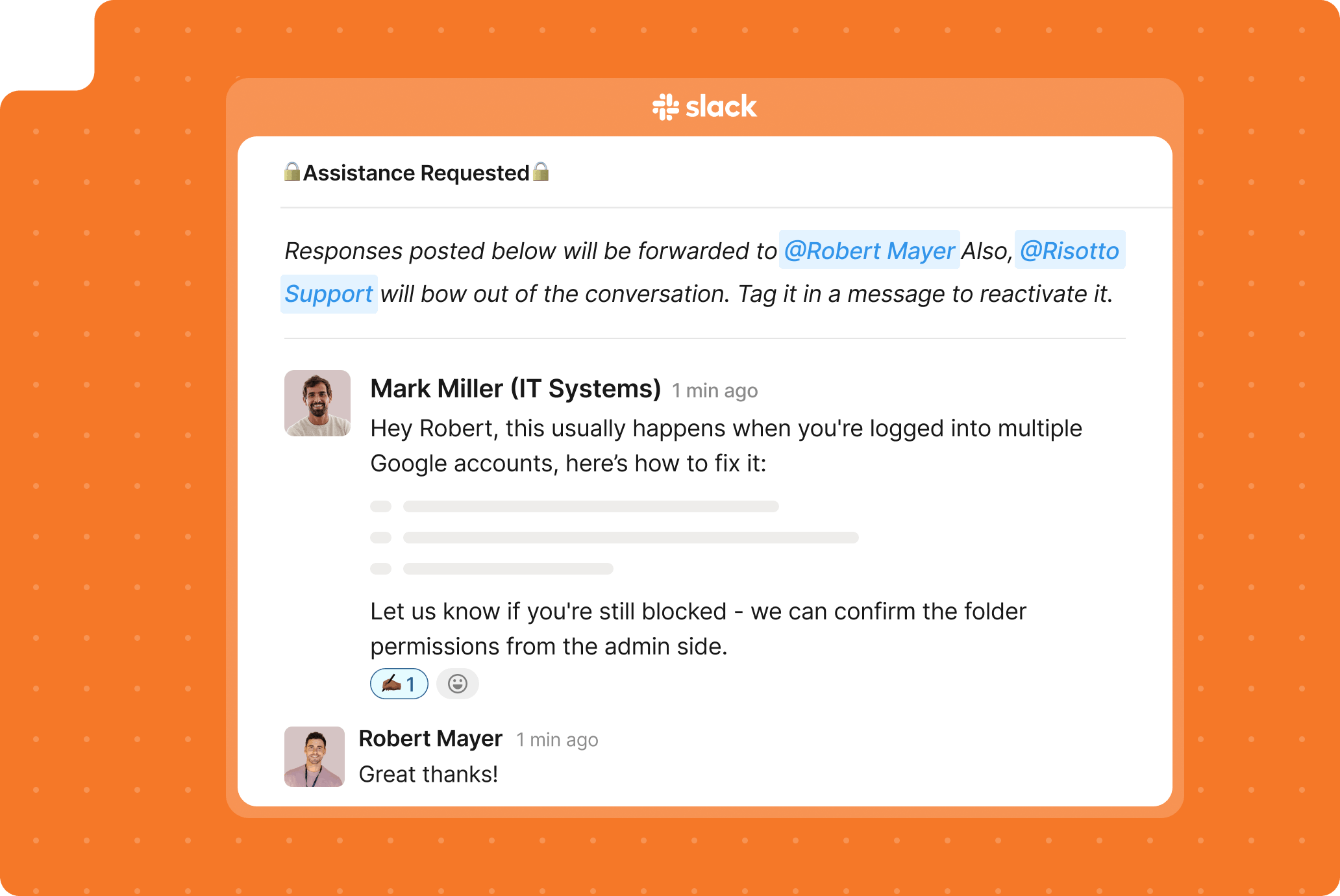
Turn solved questions into new Notion pages in one click. Keep your knowledge base growing and use past conversations and updated docs to improve future answers.
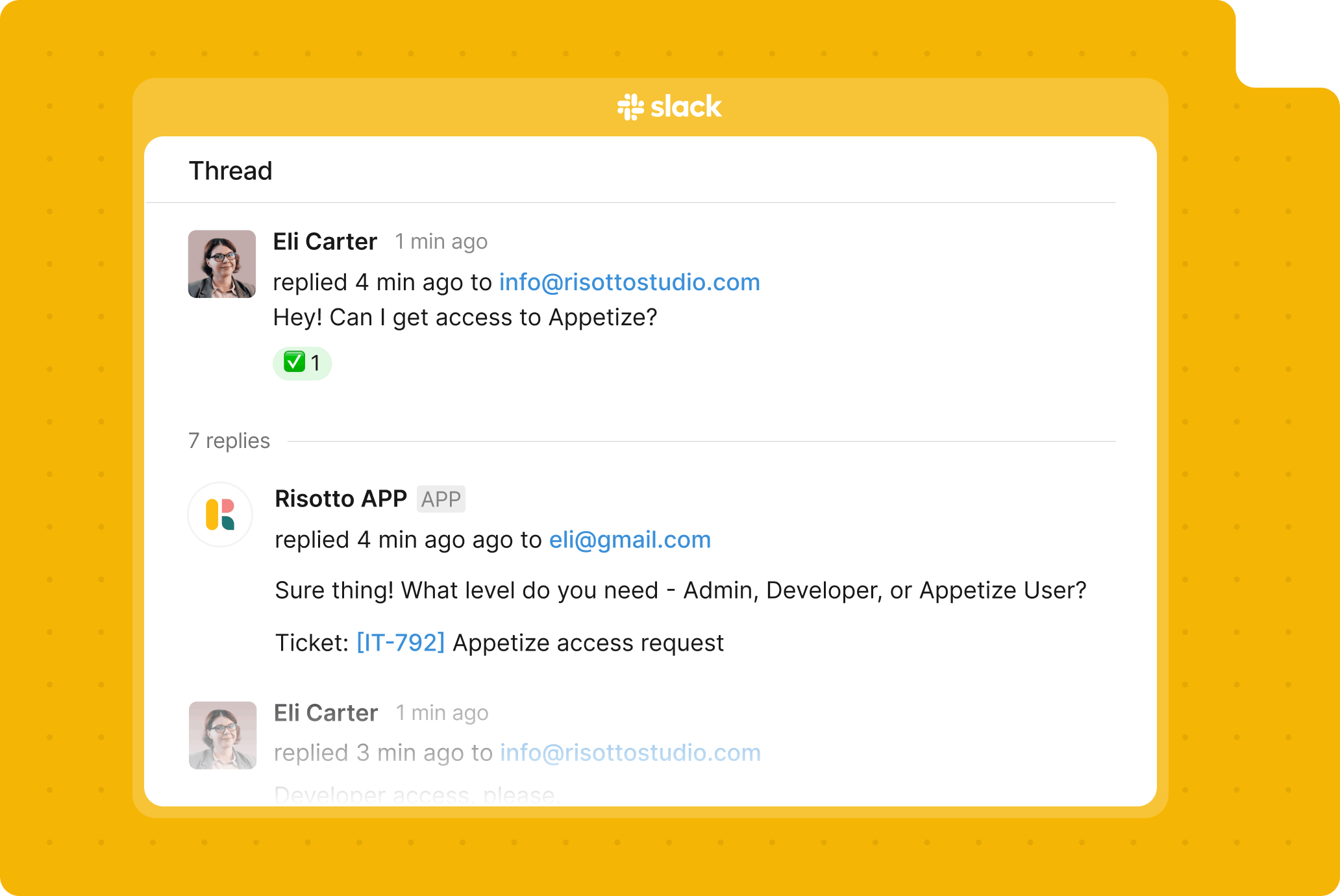
Apply access rules so answers respect permissions. Show only what each employee is allowed to see.
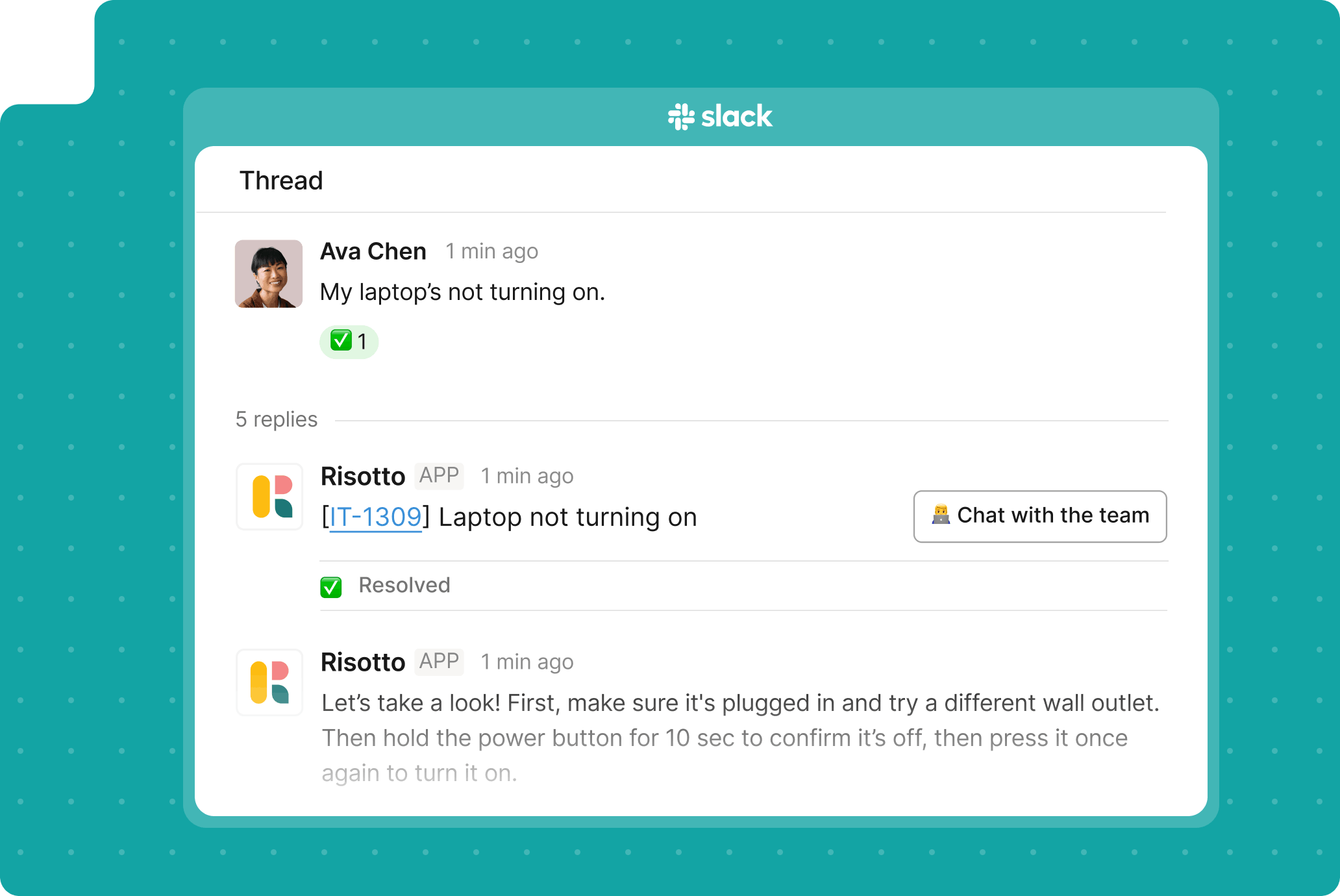
Clarify vague questions, gather missing details, and refine the answer before responding. Don’t guess, get it right.
Cut repeat questions before they hit your team.
Handle common questions instantly in Slack using Notion as the source of truth. Keep repetitive work out of your team’s queue.
Risotto reads screenshots, interprets attachments, and asks follow-up questions when needed, to capture the full context before responding.
Write multi-step if-then workflows in simple English using Runbooks. Risotto handles the execution.
Log every request with full context, timestamps, and updates. Keep a clean history without chasing information.
Keep answers consistent, reduce dependency on individuals, and make support work even when no one is actively watching it.
Answer questions across IT, HR, Finance, and Ops from one shared knowledge layer. One system, no silos.
Every extra question your IT leader is about to ask you.
Still have questions? These might help.
From custom workflows to advanced access policies, our support team helps you get the most out of every integration.
How is Risotto different from just linking Notion docs in Slack?
Links make people do the work.
Risotto reads the doc, pulls the exact answer, and replies in plain language.
What kind of questions can Risotto answer from Notion?
Anything already documented.
IT policies, HR questions, onboarding steps, tool access info. If it’s in Notion, Risotto can turn it into a direct answer.
How does Risotto make sure the answers are accurate?
It pulls directly from your Notion workspace.
No static training data. Answers stay aligned with your latest docs every time.
Do employees need access to Notion?
No.
They ask in Slack and get answers there. Notion works in the background. Although you can set rules for who gets access to what information from specific Notion docs.
Can Risotto combine information from multiple docs?
Yes.
It pulls from different pages and sources to create one clear, complete answer instead of sending multiple links.
Can we control who sees what information?
Yes.
Risotto respects Notion permissions and access rules. People only see what they’re allowed to see.
Answer every “quick question” before it becomes a ticket.
Every policy question is stealing time from the work Finance was hired to do.
Turn Slack requests into action items instead of engineering interruptions.
The biggest deal risk might be an unanswered internal question.
Run a united support system that your employees can depend on.
Build the automations you’ve been planning on for months.
The bottleneck isn't your team. It's the groundwork before they can actually help.
Get support data that your team can talk to.
Jump on a call to understand:
If the answer is password resets, tool access, or “check the documentation,” it’s time to get Risotto. Automate the noise and let your team work on things that actually move the needle.
.svg)
See what makes the Iru integration a 10/10 for our clients.