%20(1).svg)


Turn any Slack channel into an AI help desk with Risotto.
Connect Risotto to your Slack in 4 easy steps.
Log into your Risotto Dashboard and go to “Settings > Integrations”
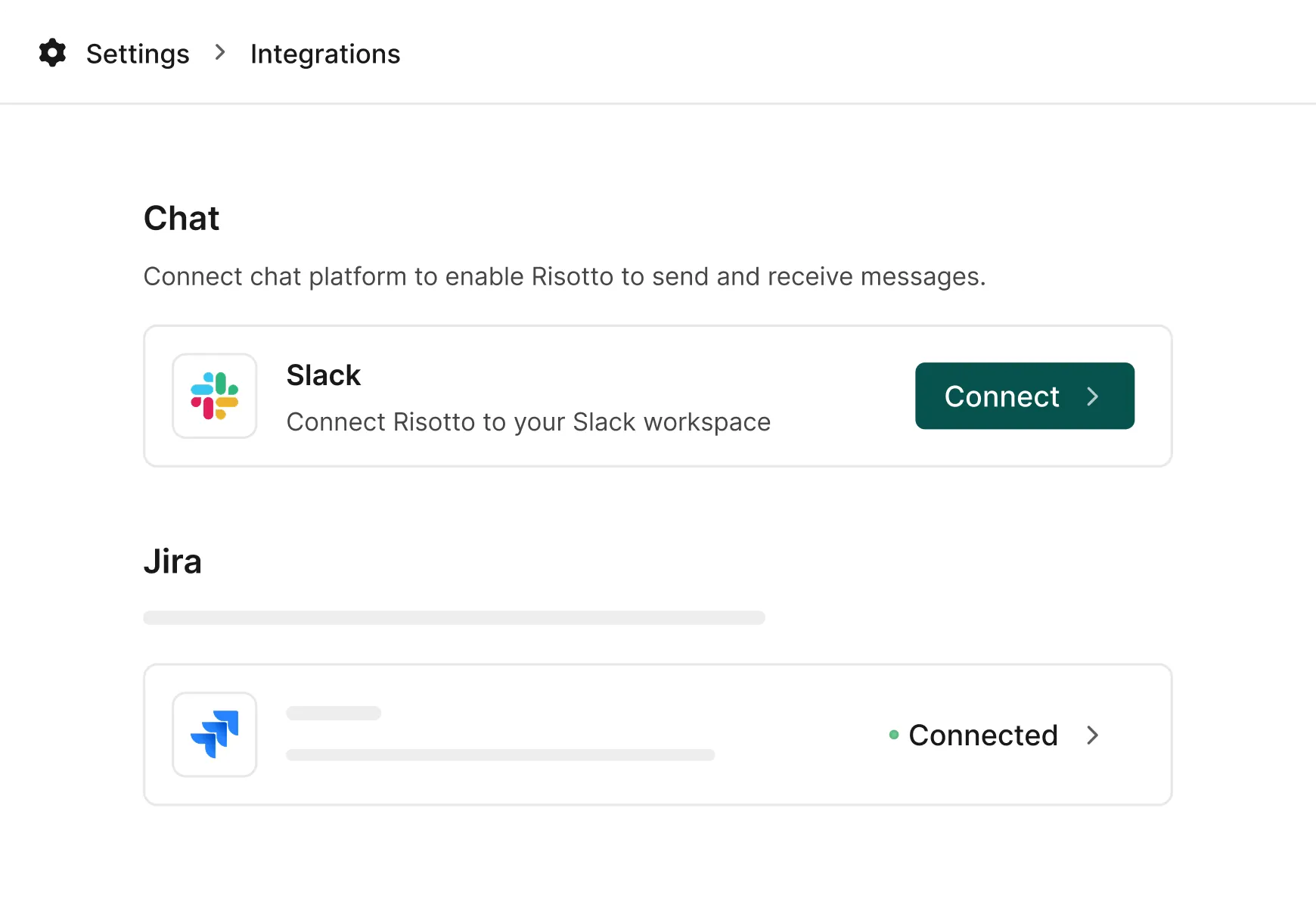
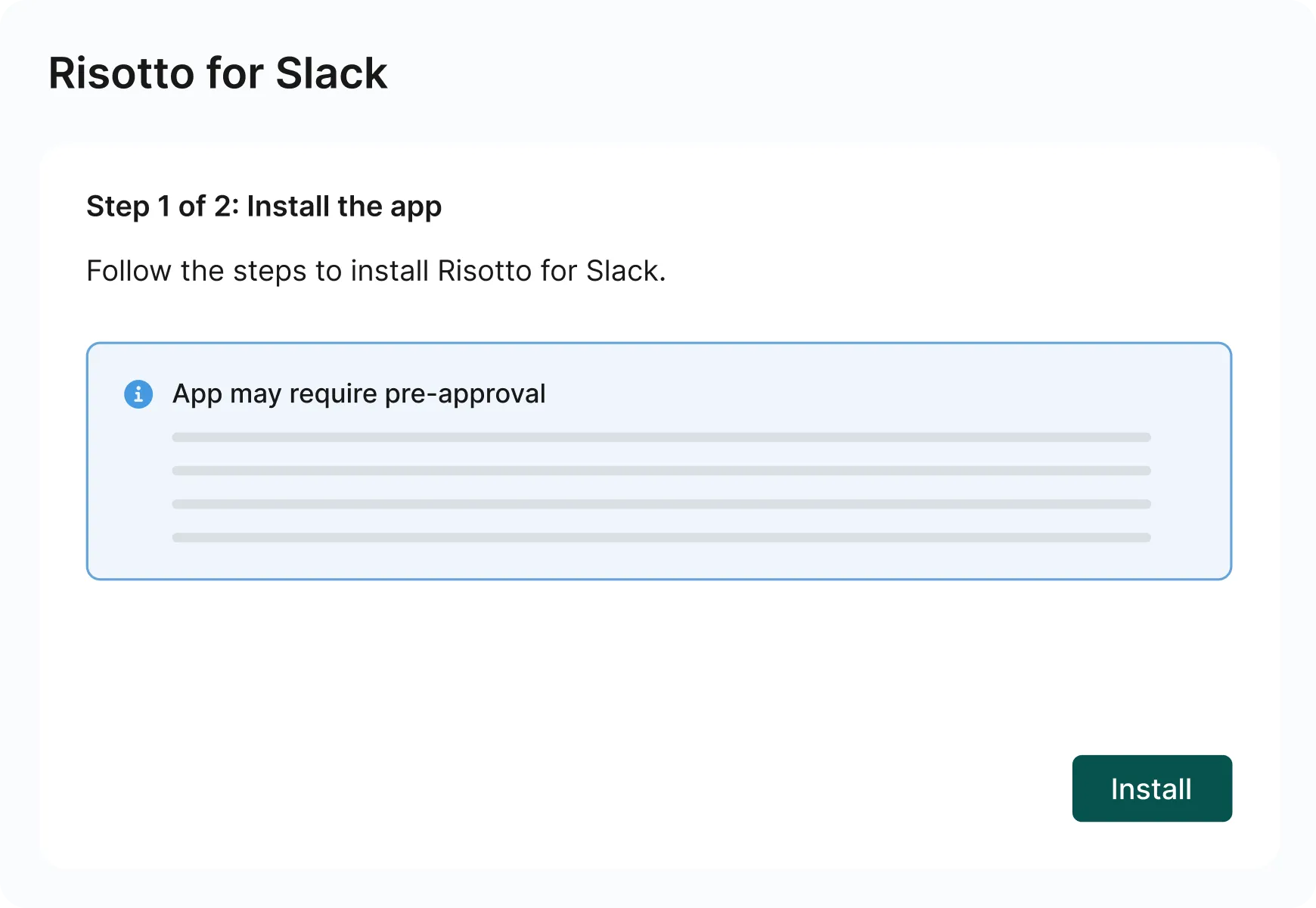
Click “Connect” and follow the prompts to install the Risotto Slack app in your workspace.
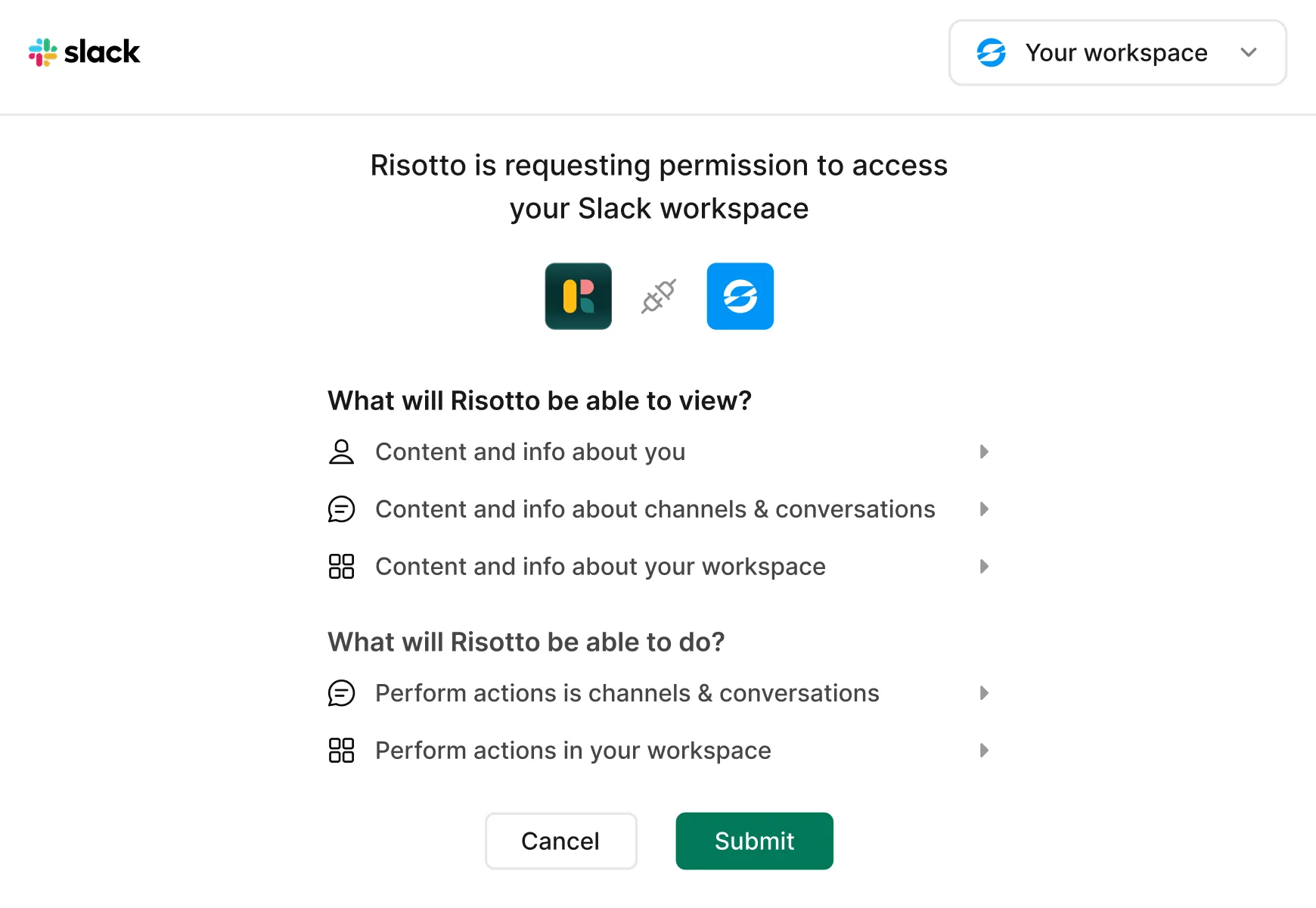
Allow Access to your Slack workspace.
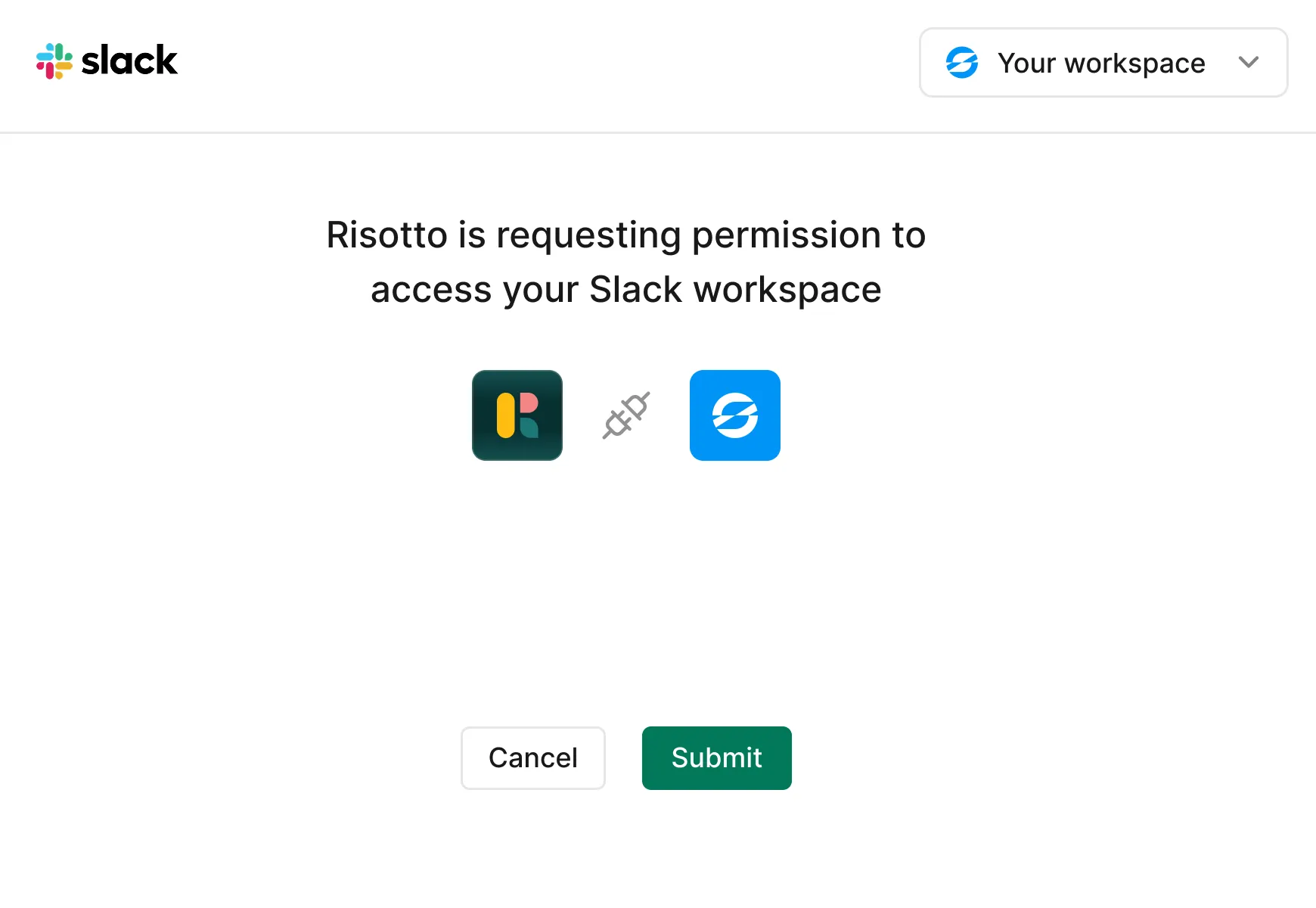
Hit "Submit" to finish installation.
See what Risotto + Slack can do for you.
Let Risotto handle tier 1 ticket triage.
Save your IT team hours every day. Risotto can take care of complex multi-step troubleshooting, drawing from multiple sources of information.
Offload access provisioning requests to Risotto.
Never miss or delay another access request. Risotto can process time-bound, role-based, and multi-level approvals.
Respond privately or publicly to employee questions.
Risotto knows how to proceed with sensitive data and private information even when responding to comments from multiple employees.
Escalate requests to the right person automatically.
Never lose requests between desks. Risotto connects all your departments, creating one consolidated cross-departmental help desk.
Here’s a shortcut to get your Slack connection up and running right now.
Everything you need to know about the data we collect and how it’s used. Read our privacy policy >
AI-Generated Responses: Risotto uses AI to answer questions and automate support requests. Responses are generated from available information and may occasionally contain inaccuracies.
What’s your IT team working on today?
Ensure Legal never answers another "do we need an NDA for this?"
Every policy question is stealing time from the work Finance was hired to do.
Turn Slack requests into action items instead of engineering interruptions.
The biggest deal risk might be an unanswered internal question.
Run a united support system that your employees can depend on.
Build the automations you’ve been planning on for months.
The bottleneck isn't your team. It's the groundwork before they can actually help.
Get support data that your team can talk to.
Jump on a call to understand:
If the answer is password resets, tool access, or “check the documentation,” it’s time to get Risotto. Automate the noise and let your team work on things that actually move the needle.
.svg)
%20(1).webp)
See what makes the Iru integration a 10/10 for our clients.