%20(1).svg)


Take out the manual effort from managing Airtable tasks.
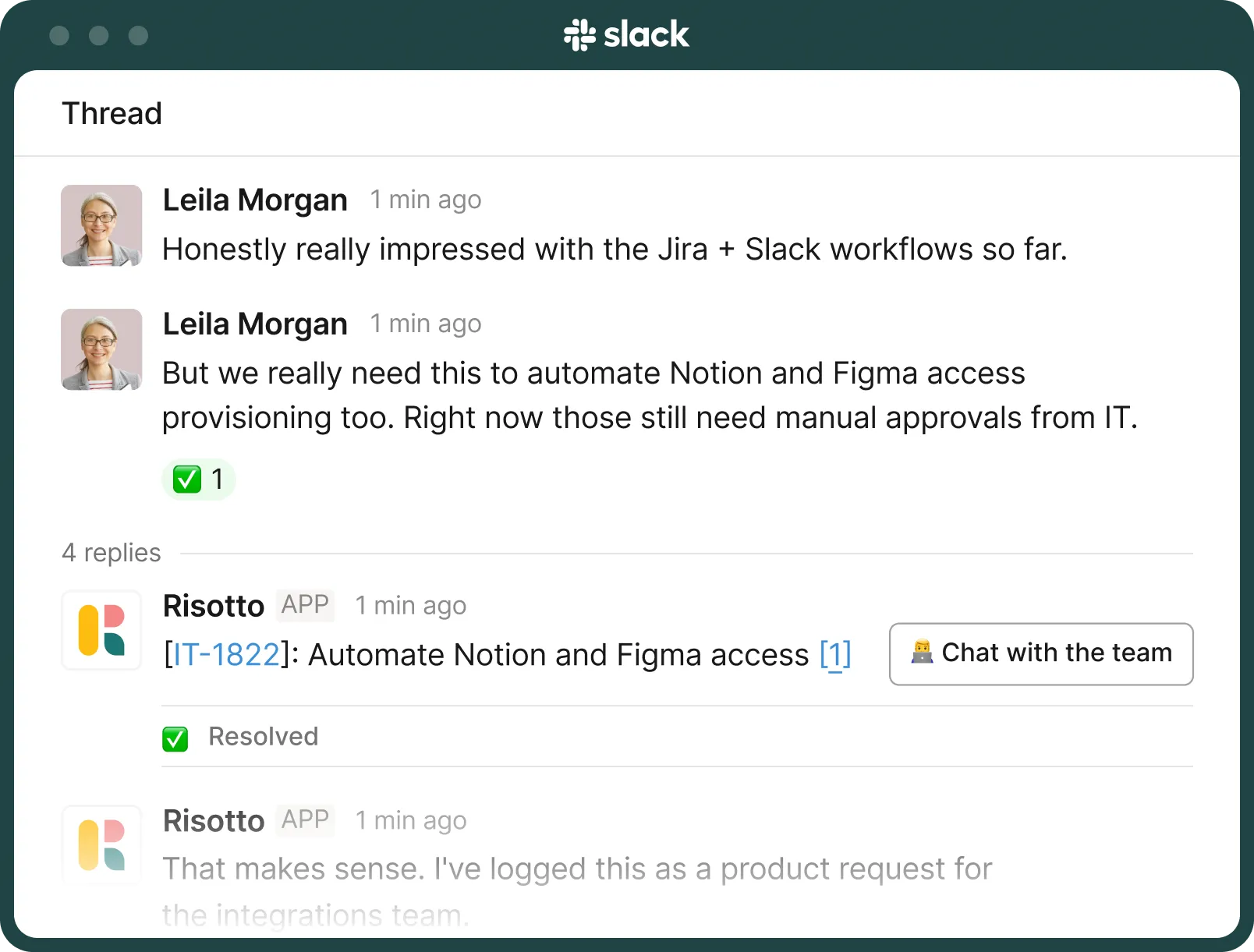
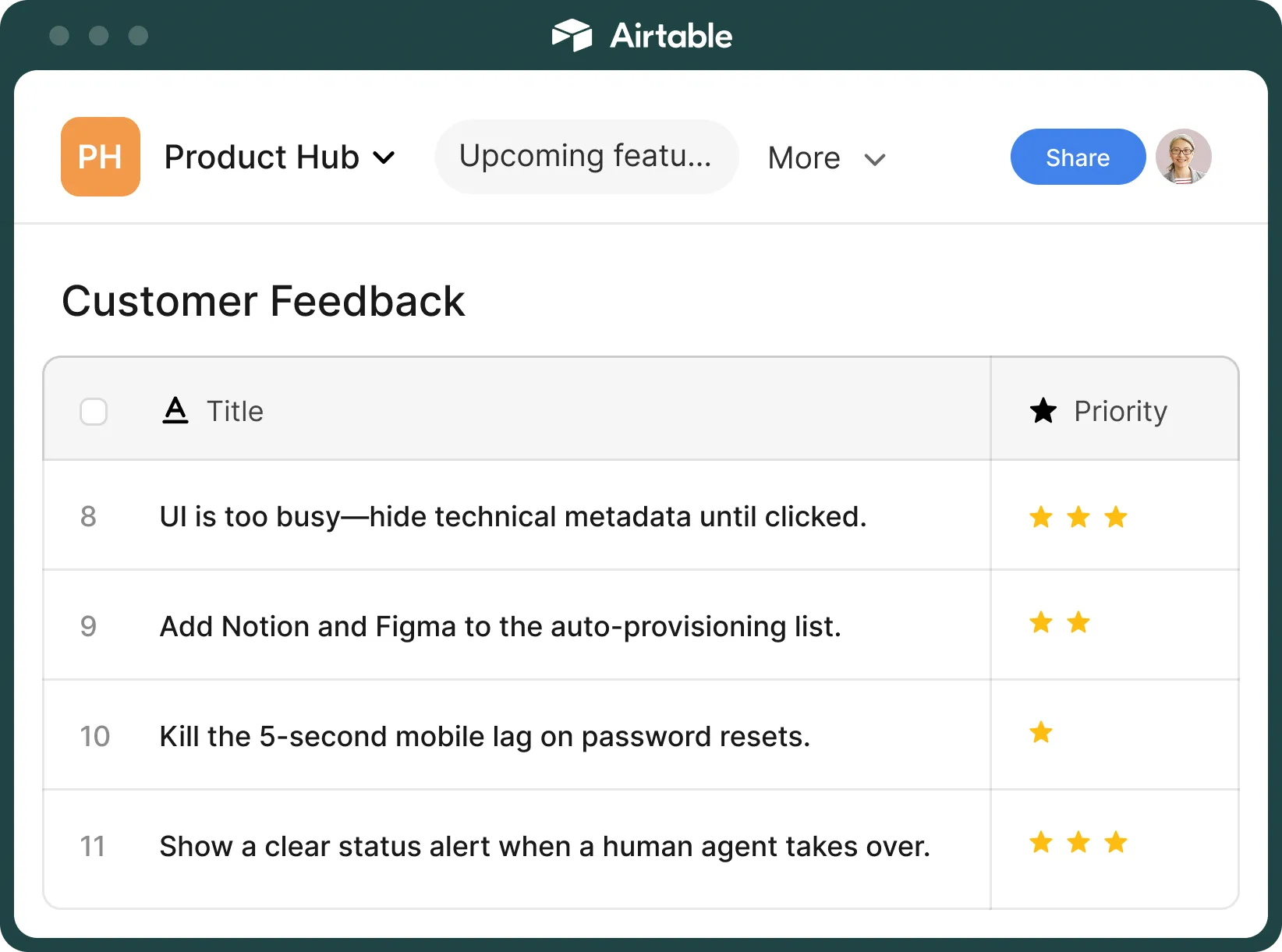
Risotto syncs with Airtable in real time, turning Slack product conversations into Airtable tasks. Create, label, and assign Airtable tasks without any manual triage.

Trusted by modern companies that can’t afford slow internal support.





















Built for IT teams tired of babysitting requests and data entry.



Stop turning Slack messages into Airtable records by hand.
Turn conversations into structured Airtable records in real time. Add clear titles, assign owners, and categorize work without manual input.
Update a record in Airtable and see it reflected in Slack. Reply in Slack and log it in Airtable. Keep comments, statuses, and assignees aligned automatically.
Send data to the right base, table, and fields. Match your existing structure without changing schemas or rebuilding workflows.
Identify the request, pick the right owner, and assign it in Airtable without manual triage. Keep work moving without someone sorting every request.
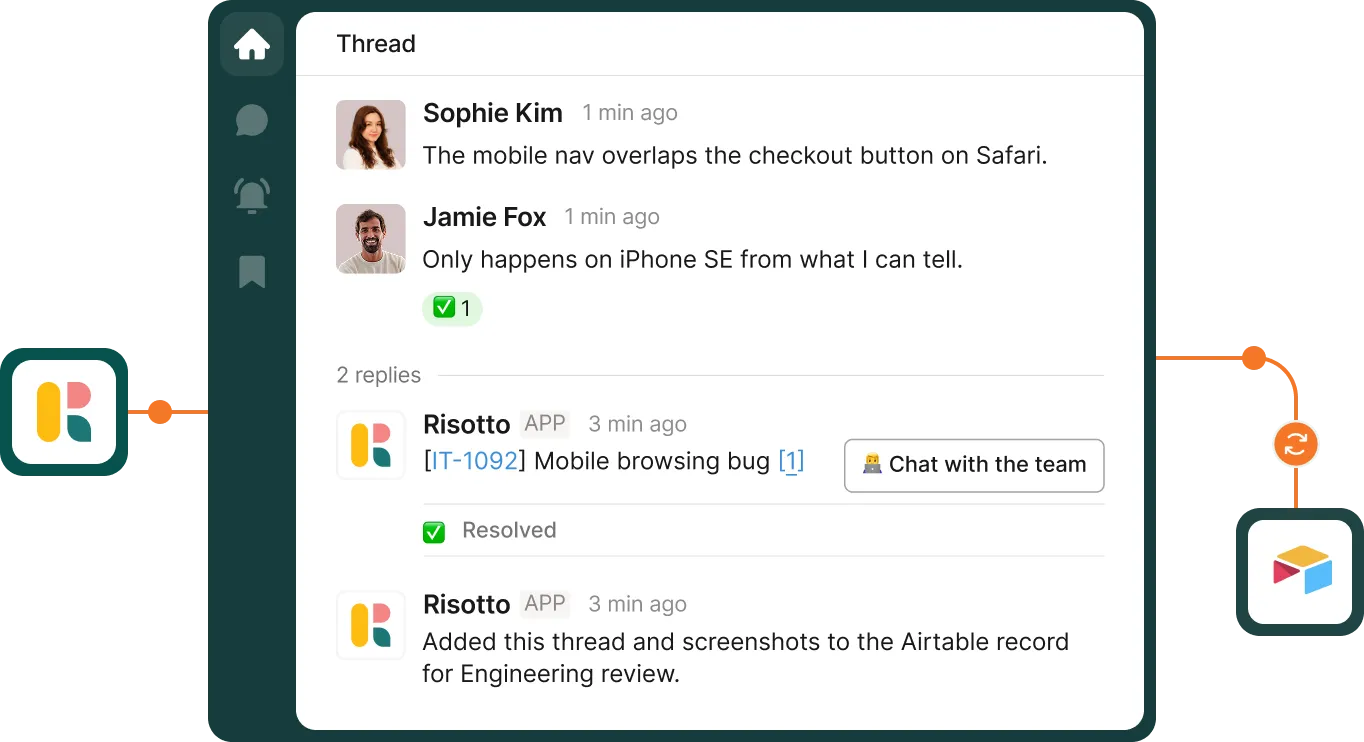
Attach the original Slack conversation to every Airtable record. Give the assigned team full context for the task without switching portals.
Handle common requests directly in chat. Only escalate what actually needs to be logged into Airtable.
Set rules for what gets logged, where it goes, and who owns it with Runbooks. Write it simply, in plain English, and let Risotto handle the execution.

Turn conversations into structured Airtable records in real time. Add clear titles, assign owners, and categorize work without manual input.
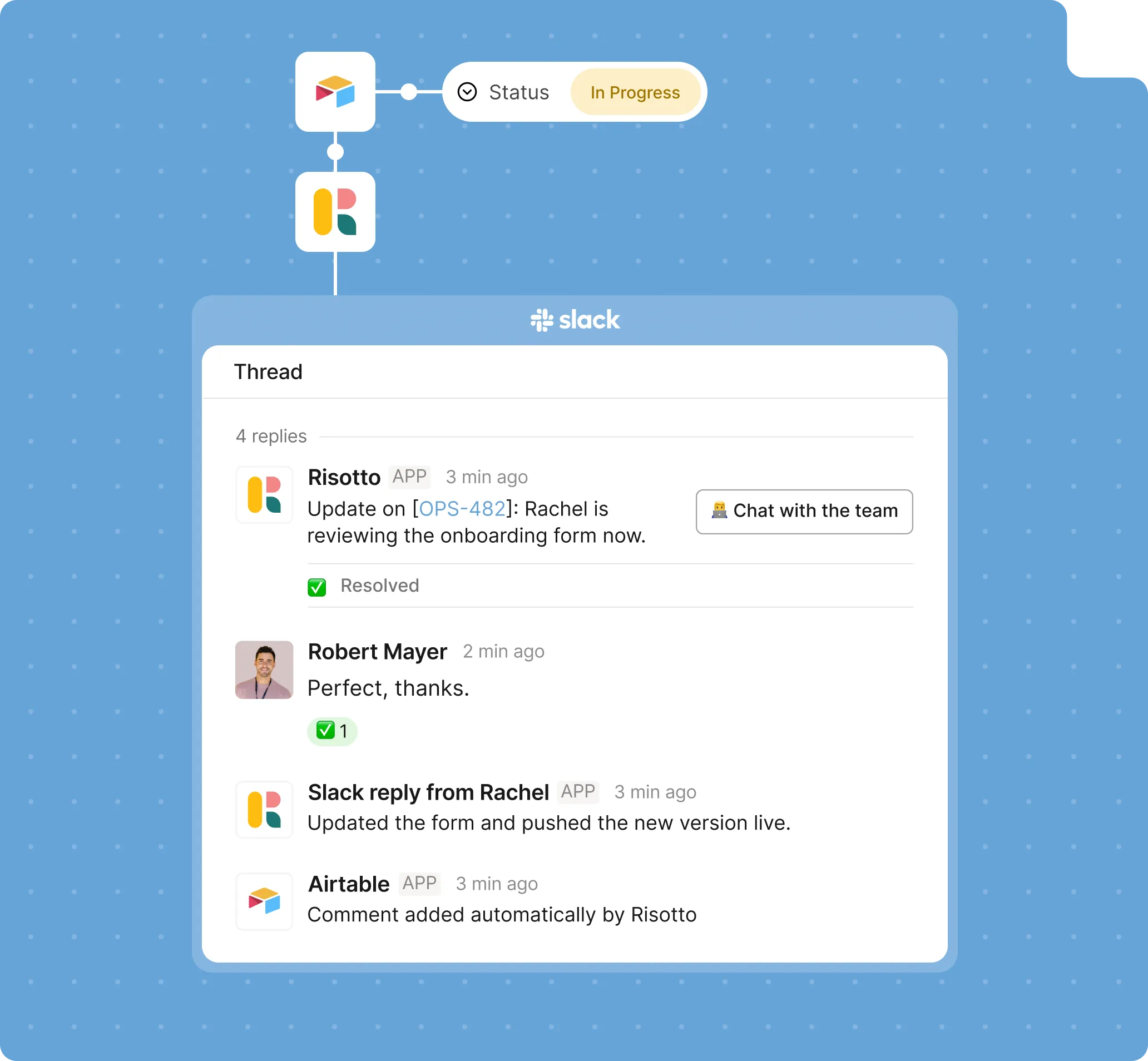
Update a record in Airtable and see it reflected in Slack. Reply in Slack and log it in Airtable. Keep comments, statuses, and assignees aligned automatically.

Send data to the right base, table, and fields. Match your existing structure without changing schemas or rebuilding workflows.

Identify the request, pick the right owner, and assign it in Airtable without manual triage. Keep work moving without someone sorting every request.
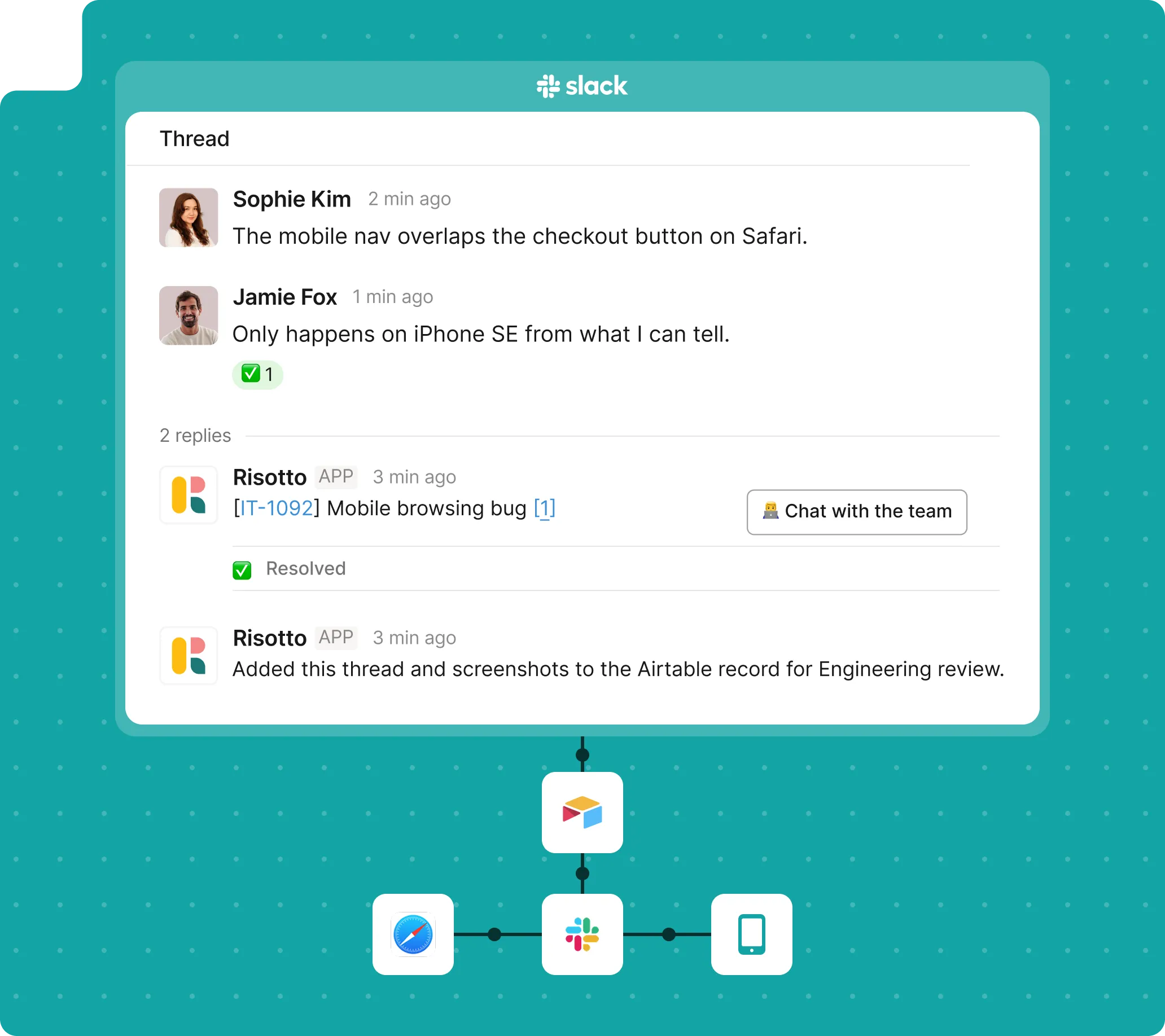
Attach the original Slack conversation to every Airtable record. Give the assigned team full context for the task without switching portals.
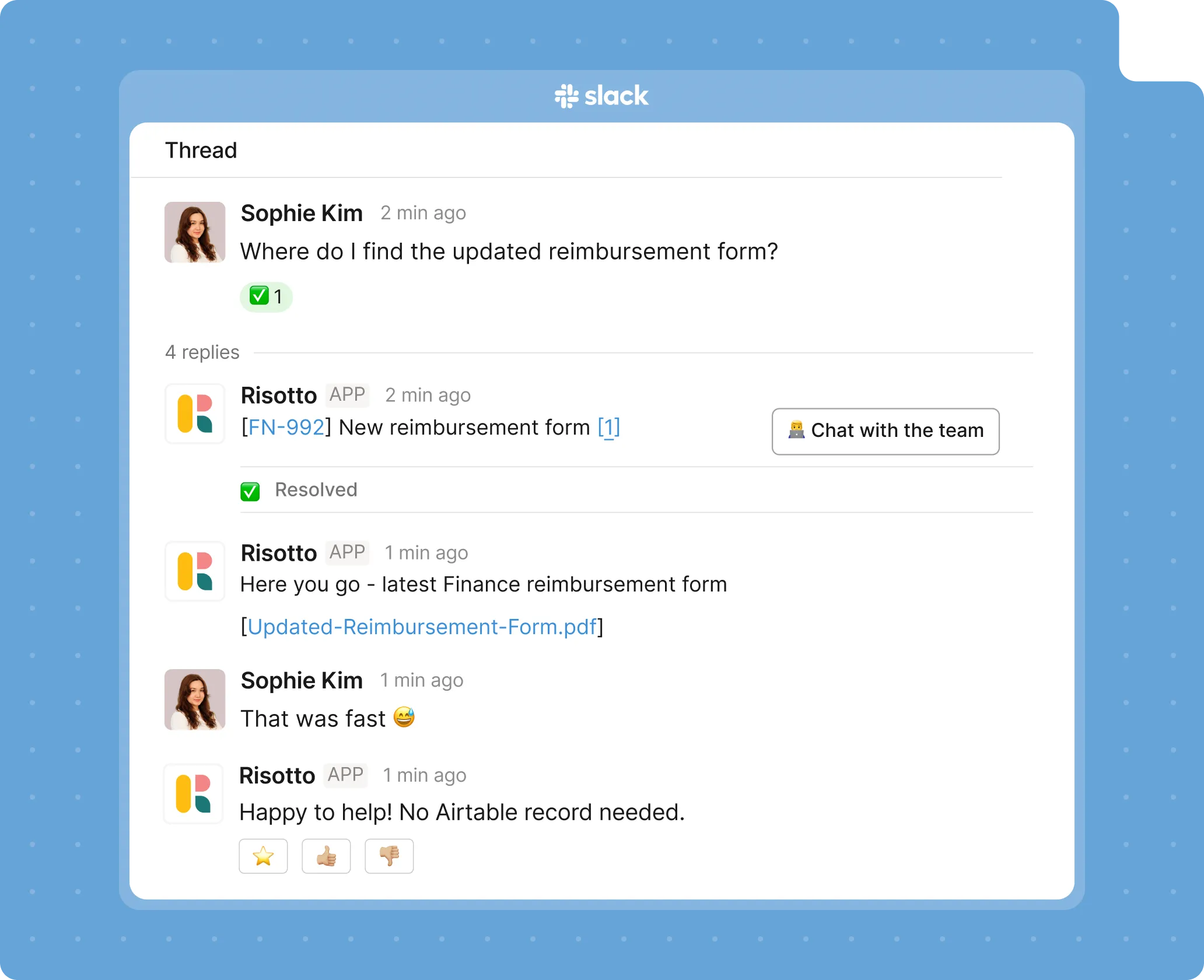
Handle common requests directly in chat. Only escalate what actually needs to be logged into Airtable.

Set rules for what gets logged, where it goes, and who owns it with Runbooks. Write it simply, in plain English, and let Risotto handle the execution.
Slack stays messy. Airtable stays structured.
Set what gets captured, where it goes, and how it moves. Just create workflows in plain English, and Risotto handles the rest.
Read full conversations, not keywords. Risotto's Al understands messages, interprets screenshots, and asks questions to fill in what's missing.
Log every request with full context, timestamps, and updates. Keep a clean history without chasing information.
Apply the same structure, fields, and logic to every record. Maintain data quality without manual checks.
Connect IT, HR, Finance, and your other teams. Pull in the right stakeholders and resolve multi-department issues faster.
The stuff you'd ask after the demo anyway.
Still have questions? These might help.
The stuff you'd ask after the demo anyway.
From custom workflows to advanced access policies, our support team helps you get the most out of every integration.
How is Risotto different from Airtable automations or forms?
Airtable expects structured input. Risotto handles unstructured conversations.It captures requests from Slack, figures out what matters, and turns them into clean Airtable records automatically. No forms, no manual entry.
How does Risotto decide what should become an Airtable record?
You define the rules.
Use Runbooks to control what gets logged, where it goes, and how it’s categorized. Only the right inputs make it into Airtable.
Do employees need access to Airtable?
No.
They ask in Slack. Records get created and updated in Airtable behind the scenes. Updates flow back into Slack automatically.
What kind of records does Risotto create in Airtable?
Fully structured ones.
Clear titles, mapped fields, assigned owners, and the full conversation attached. Your team doesn’t need to clean anything up before using it.
Can we control how data is mapped into Airtable?
Yes.
Map fields, choose tables, and decide how records are structured. Risotto fits into your existing base without forcing changes.
What stays in sync between Slack and Airtable?
Status updates, comments, and ownership changes.
Both sides stay aligned in real time, so no one has to check Airtable just to know what’s going on.
Every policy question is stealing time from the work Finance was hired to do.
Turn Slack requests into action items instead of engineering interruptions.
The biggest deal risk might be an unanswered internal question.
Run a united support system that your employees can depend on.
Build the automations you’ve been planning on for months.
The bottleneck isn't your team. It's the groundwork before they can actually help.
Get support data that your team can talk to.
Stop letting good data die in Slack threads.
Jump on a call to understand:
Keep Airtable complete, structured, and up to date without relying on someone to log things manually. Fix the gaps before they turn into missed work.
.svg)
See what makes the Iru integration a 10/10 for our clients.