5 best IT workflow automation tools in 2026
Compare five IT workflow automation tools to find the right fit for your team. See how they differ on setup time, automation building, maintenance, and whether they can resolve employee requests from start to finish.


IT teams have plenty of options for automating routine tasks, from software access to employee onboarding. These include general workflow platforms like n8n and Workato, identity-focused tools like Okta Workflows, and AI-native IT platforms like Risotto and Serval.
All of these tools can connect applications and run workflows, but they differ in how much of an employee request they can auto-solve.
They also differ in how easy they are to set up and use. Some are designed around employee IT support, while others offer more flexibility to build workflows across different systems. The amount of configuration and ongoing maintenance also varies considerably.
Below, we'll compare five IT workflow automation tools based on how quickly you can get started, who builds and maintains the automations, and how much of the request each tool can handle. We'll also cover their features, integrations, pricing, and limitations.
TL;DR: Best IT workflow automation tools compared
General workflow tools vs AI-native IT automation
IT workflow automation means running routine IT tasks across connected systems with little or no manual work. Common examples include granting application access, resetting passwords, and setting up accounts for new employees.
General workflow platforms and AI-native IT tools can both run these tasks. The difference is how much of the support process around each task you have to build yourself.
General workflow platforms
These tools connect applications and automate processes using triggers, conditions, and actions. Many also include AI agents that can read a request and choose an action.
For IT support, though, teams usually have to build the steps around each workflow too: receiving the request, messaging the approver, replying to the employee, and updating the ticket. Some platforms offer packaged IT support assistants that include intake and approvals.
AI-native IT tools
Built for employee support, they handle a request from the first message to the closed ticket. Employees ask for help in Slack, Teams, or email, and AI works out what they need and runs the matching workflow.
Sensitive steps, such as approvals and access grants, run the same way every time. The tool replies to the employee and keeps the ticket up to date, either in its own ticketing or in the ITSM you already use.
IT builds the workflows, and the support process around them comes with the product.
Some IT teams build their own AI support system by connecting an LLM to a general workflow platform. It’s flexible, but every flow needs someone to fix and update it, and on a small team, the people handling requests end up doing it.
If you're already using Okta Workflows or n8n, you don't necessarily need to replace them. They can continue handling system-to-system automations while an AI-native IT service desk manages employee requests. For example, an existing n8n workflow can send requests into Risotto through its API.
Here’s how the two approaches compare:
What to look for in an IT workflow automation tool
Start with a few requests your team handles regularly, such as software access or MFA resets. Ask vendors to demonstrate how their tools handle those requests, then compare them against these seven criteria:
- Time to first auto-solve: How long does it take to get an automation running and successfully resolve a real request, including connecting applications, setting permissions, and testing the workflow?
- What works on day one: Check whether the platform includes ready-made workflows for common IT requests or whether you'll need to build everything from scratch.
- Who builds and maintains it: Can IT or HR practitioners create and update workflows without a developer? Consider who will maintain them when applications or processes change, or the original builder leaves. Ask vendors to demonstrate how someone who didn't build a workflow can update or troubleshoot it.
- End-to-end resolution: Can the tool complete the employee's request, respond to them, and update the ticket? Or will IT still need to handle parts of the process manually?
- Where requests start: Check whether employees can describe what they need in Slack, Teams, or email, or whether they must use a form or portal to trigger an automation.
- Security and control: Can you require approvals before sensitive actions, restrict who can trigger workflows, and track what happened through an audit log?
- ITSM compatibility: Does the tool work with your existing ticketing system, and can it keep ticket details and statuses in sync? Or would you need to replace your ITSM?
Best IT workflow automation tools compared
We've selected five tools that take different approaches to IT workflow automation, from AI-native service desks to general-purpose automation platforms.
A note on transparency: This article was written by Risotto, which appears first on our list. We've included competing tools to help you compare your options.
1. Risotto: Best for IT teams that want automations anyone on the team can build and maintain
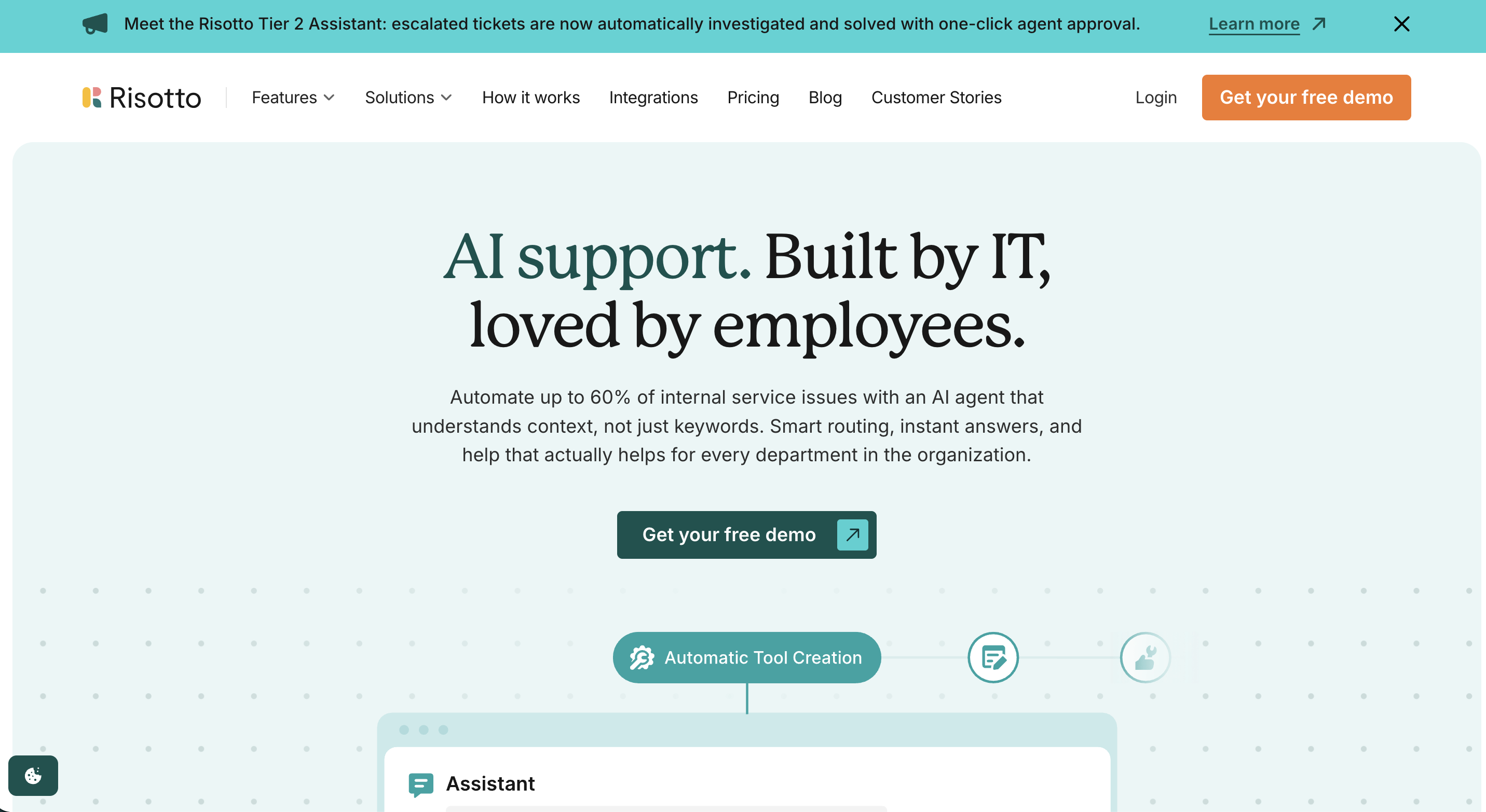
Risotto is an AI-native ITSM platform that combines a service desk and an automation engine. The same system that receives an employee's request also runs the automation that resolves it.
Employees can ask for help through Slack or Microsoft Teams, alongside email. Risotto identifies what they need, handles the request using its built-in capabilities or a matching runbook, asks for approval when needed, and records the actions on the ticket.
For processes that need company-specific instructions, IT administrators and department supervisors, including HR, can create automated runbooks. Each runbook has a match condition, such as an employee saying they're locked out of Okta, and instructions that tell the AI agent how to handle the request.
Some actions need tighter controls. IT can fix values that must not change, such as which Okta group to assign, so the agent can't alter them. For workflows that require fully predetermined logic, teams can use a script tool.
Teams can build runbooks using a no-code editor, start from a template, or describe the workflow to Risotto's Assistant. The Assistant drafts the steps and supporting tools, asking for approval before making changes by default. Administrators connect HR systems like Rippling or HiBob through the settings.
Runbooks read like written procedures, so another administrator can understand and update them when processes change. Every automation run is logged, and if one fails, IT can review what happened and rerun it from the beginning.
Not every request needs a runbook. For software access, IT configures rules for each application, including who approves access, whether employees need to provide a reason, and how long permissions last. Risotto also answers how-to questions using connected knowledge sources like Confluence and Notion.
Risotto syncs both ways with Jira Service Management, Freshservice, Zendesk, and ServiceNow, so teams can keep their existing ITSM.
Most teams see their first auto-solves within a week, and Gusto reached a 53% resolution rate on day one. At Fundrise, VP of IT Phillip Rickett compared the setup with the chatbot they used previously:
‘We accomplished nearly the same configuration with Risotto in an hour that took us months with another company.’
Key features:
- Tier-1 ticket automation: Auto-solves up to 70% of Tier-1 requests, including password resets, MFA re-enrollment, software access, and troubleshooting from screenshots. Anything it can't resolve goes to IT with full context.
- Access automation in chat: Supports time-limited access, multi-level approvals, and automatic expiry. Access grants are logged and can be exported for reviews.
- The Assistant: Investigates escalated tickets using system logs, past tickets, and knowledge sources. It proposes fixes that IT agents can approve for execution.
- Automation suggestions: The experimental Insights feature analyzes ticket history from the past 90 days to identify recurring requests that could be automated. After an escalation, the Assistant can suggest creating a runbook to handle similar issues.
Integrations: Slack, Microsoft Teams, Okta, Microsoft Entra ID, Google Workspace, Jira Service Management, Freshservice, ServiceNow, Zendesk, Jamf, BambooHR, Workday, Rippling, and HiBob. Risotto also supports REST API and MCP integrations.
Pricing: The Startup plan costs $1,250 per month, billed annually, for companies with fewer than 200 employees. Enterprise pricing is custom, and a 30-day free trial is available.
Limitations: Risotto is built for chat-first support in Slack, Microsoft Teams, and email, so teams that want a traditional self-service portal should check whether that model fits. In a G2 review, a verified user at a mid-market computer software company also noted that Risotto can start an access request when an employee asks about a tool but only wants guidance on using it.
See how quickly your team can start automating routine IT requests. Book a demo.
2. Serval: Best for enterprise teams that want code-level control over AI-built workflows
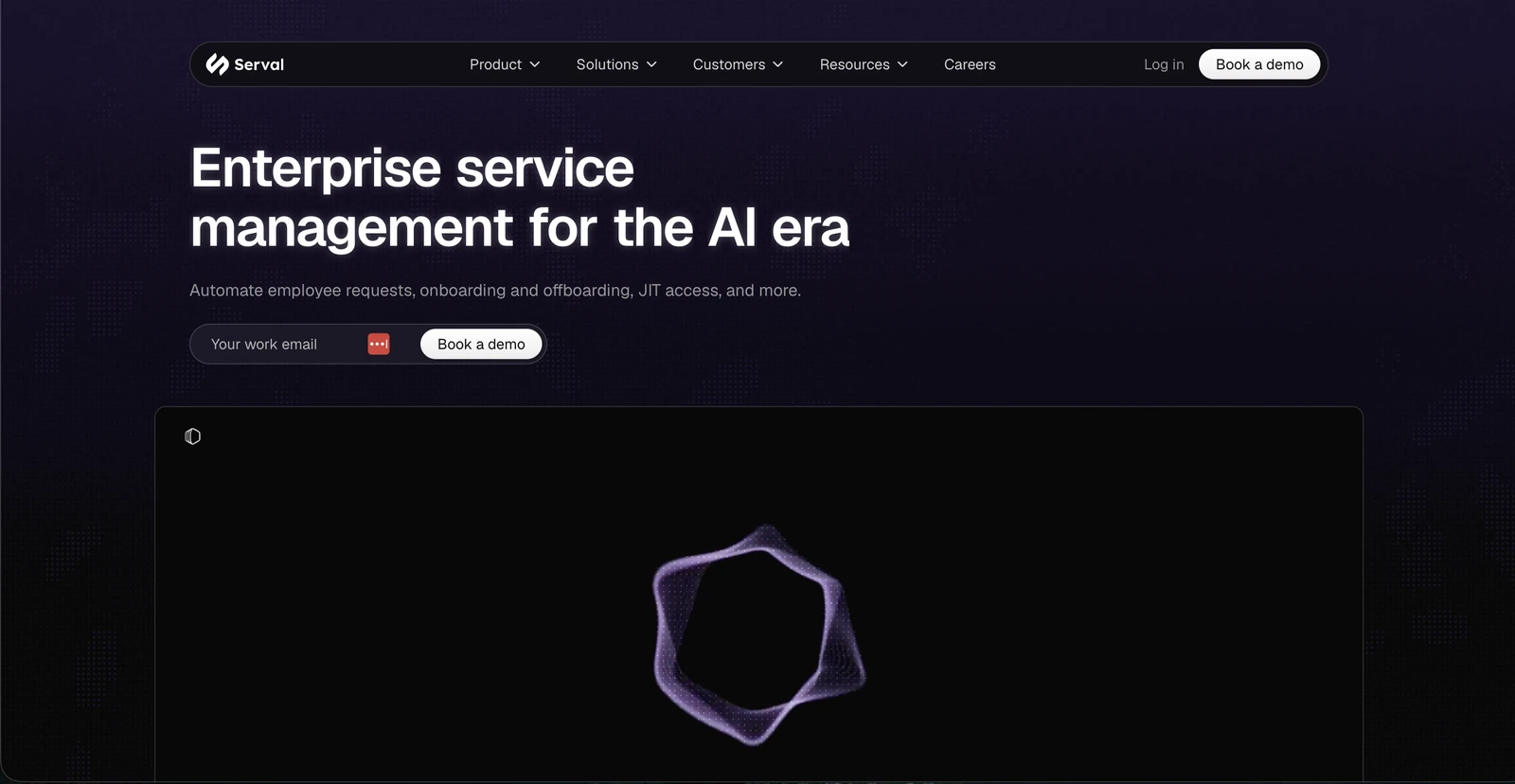
Serval takes a code-based approach to IT workflow automation. Its AI agent, Catalyst, generates TypeScript workflows from plain-English instructions, existing procedures, or historical ticket data. Administrators can inspect the resulting code, test the workflow, and make changes before publishing it.
You don't need to know TypeScript to use Catalyst. It can build workflows from scratch, and you can refine them through further instructions. However, technical teams also have the option to edit the code directly, review version history, and examine execution logs when something goes wrong.
This makes Serval particularly relevant to enterprises that want AI to accelerate workflow creation while retaining detailed control over how automations execute.
Serval also offers a full IT service management platform. Its Help Desk Agent accepts employee requests through Slack, Microsoft Teams, email, and a web portal, then uses published workflows to resolve them.
Organizations can replace their existing ITSM with Serval or use it alongside systems such as Jira Service Management and ServiceNow.
Key features:
- Prebuilt workflows: Installable automations for common tasks across more than 30 integrations, including Okta, Google Workspace, and GitHub.
- Automation discovery: Catalyst analyzes ticket history to identify repetitive work and recommend new automations. It can also investigate failed workflow runs and suggest fixes.
- Enterprise ITSM: Includes incident, problem, change, and knowledge management, plus asset management and a configuration management database (CMDB).
Integrations: Slack, Microsoft Teams, Okta, Microsoft Entra ID, Google Workspace, Jira Service Management, ServiceNow, Workday, BambooHR, and Jamf. Custom API integrations are also supported.
Pricing: Custom pricing. Serval offers a guided pilot with a dedicated deployment engineer.
Limitations: Serval's extensive functionality can take time to learn. In a G2 review, a Technology Lead described an initial learning curve. An IT Operations Engineer also reported instances where the agent indicated a configuration was successful even though it had failed.
3. Workato: Best for enterprises automating workflows across multiple departments
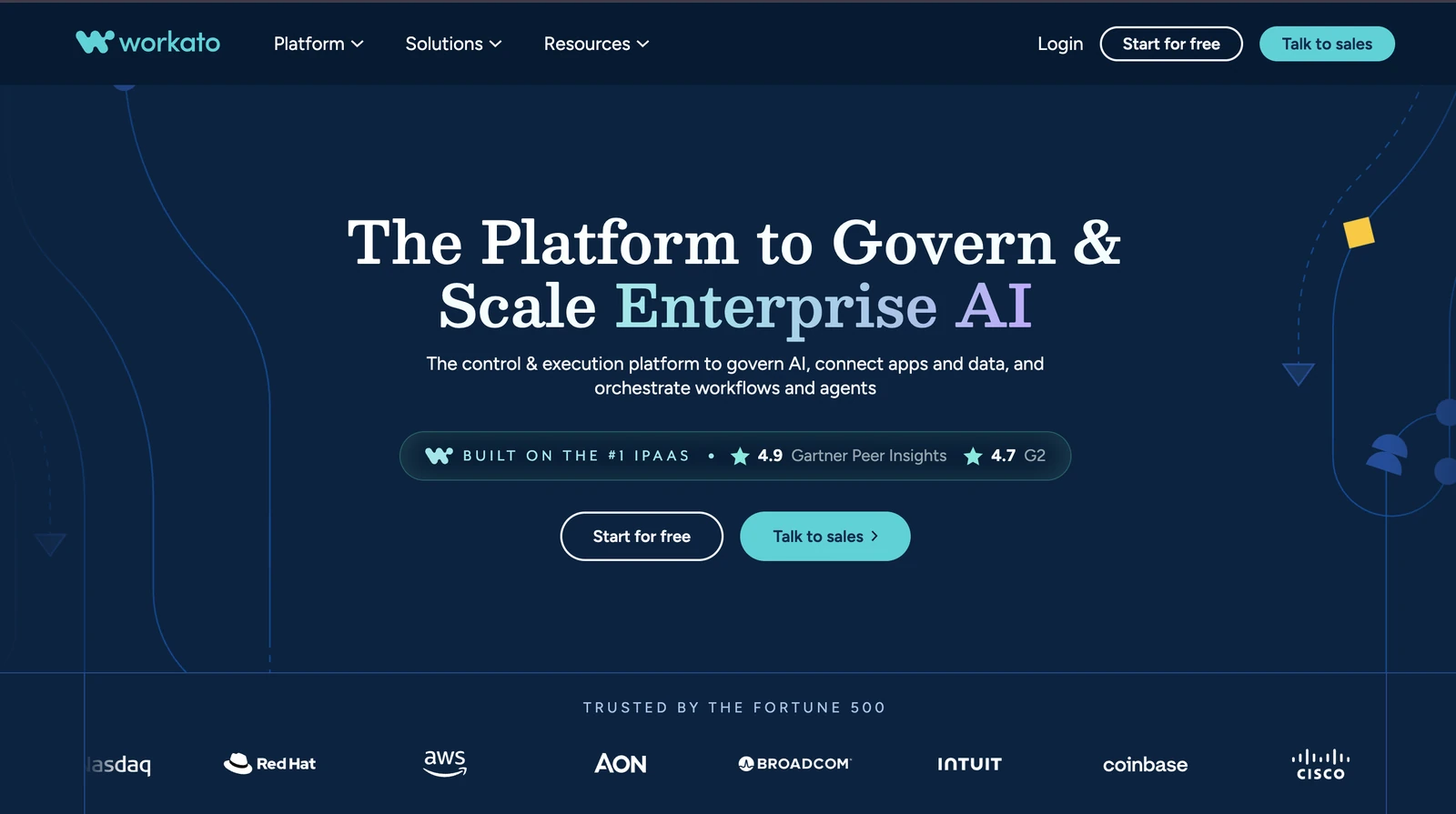
Workato is an enterprise integration and automation platform designed to connect applications and coordinate workflows across IT, HR, finance, and other departments.
Automations are built using recipes, which trigger actions across connected applications. For example, an onboarding workflow could detect a new employee in Workday and automatically create their accounts in Okta and Jira.
Teams can build these workflows using Workato's visual editor, making it possible to automate processes that span several systems without writing custom code for every step.
Workato also offers IT Support Genie, an AI agent that employees can interact with through Slack, Microsoft Teams, or Workato GO. It handles routine support requests using connected applications and creates tickets in Jira Service Management or ServiceNow when human assistance is needed.
Deploying IT Support Genie involves connecting the relevant identity and ticketing systems and configuring approval policies. Teams can extend its capabilities with additional knowledge sources and custom skills.
Key features:
- AI-assisted workflow building: Workato's AIRO assistant generates recipes from plain-English instructions. Teams can refine the triggers, conditions, and actions using the visual editor.
- IT Support Genie: Answers knowledge questions, handles password resets and account unlocks, and provisions application access through Okta or Microsoft Entra ID. Supports up to three approval levels for sensitive requests.
- Prebuilt connectors: More than 1,200 connectors for business applications, with support for custom integrations through APIs.
Integrations: Slack, Microsoft Teams, Okta, Microsoft Entra ID, Google Workspace, Jira Service Management, ServiceNow, Workday, and Salesforce.
Pricing: Workato offers a free self-service plan and Pro plans start at $75/month for its general automation platform. Enterprise pricing is custom. IT Support Genie is available on eligible plans, with pricing provided by Workato.
Limitations: In a G2 review, a senior integration developer also reported difficulties moving recipes between development, testing, and production environments.
4. Okta Workflows: Best for automating identity and access management
Okta Workflows is the no-code automation product within Okta's identity and access management platform. It lets IT teams automate processes such as employee onboarding, access provisioning, and offboarding across Okta and connected applications.
For example, when a new employee is added to Okta, a workflow can assign them to the appropriate groups, provision access to connected applications, and notify their team in Slack. Similar workflows can remove access during offboarding or respond to suspicious account activity.
IT administrators build these automations using a visual editor. Each workflow, called a flow, consists of cards that define what triggers it and which actions should follow. Teams can start with prebuilt templates or create their own flows using conditions, branching logic, and connectors.
Workflows can also interact with Jira Service Management and ServiceNow, allowing identity-related actions to be triggered by service requests or recorded in tickets.
However, organizations need to connect it to their existing request intake and ticketing processes if they want to automate employee support.
Key features:
- Prebuilt templates: Start with flows for common tasks such as user provisioning, account deactivation, group management, and security notifications.
- Identity security automation: Respond to account events, identify inactive users, and automate actions such as revoking access or notifying security teams.
- Workflow monitoring: Review execution history, troubleshoot errors, and restore previous workflow versions when changes cause problems.
Integrations: Okta, Microsoft Entra ID, Google Workspace, Workday, Slack, Microsoft Teams, Jira Service Management, ServiceNow, and Jamf. Custom API connections are also supported.
Pricing: Okta Workflows is included in certain Workforce Identity plans. Starter starts at $6/user/month and includes five active flows, Core Essentials starts at $14/user/month with five flows, and Essentials starts at $17/user/month with 50 flows. All plans are billed annually. Higher-capacity Workflows plans require custom pricing.
Limitations: Okta Workflows doesn't provide a complete employee help desk or conversational request intake on its own. In a G2 review, an operations coordinator also noted that the visual builder becomes harder to use when working with complex conditional logic and error handling.
5. n8n: Best for technical IT teams building custom automations
n8n is a low-code workflow automation platform that gives IT teams considerable flexibility over how they connect applications and automate processes. It's available as a cloud service or a self-hosted deployment, which makes it particularly appealing to teams that want greater control over their infrastructure and data.
Workflows are built by connecting nodes in a visual editor. Each node performs an action, such as receiving a webhook, retrieving information from an application, or updating a record. Teams can also add JavaScript or Python when they need more complex logic.
For IT support, you could build a workflow that receives an employee request in Slack, checks account information in Okta, and creates or updates a ServiceNow ticket. n8n also supports AI agents, so it's possible to build conversational support workflows.
The main consideration is how much your team wants to build and maintain. n8n provides the components, but IT is responsible for configuring how requests are handled, approvals are collected, and ticket records are maintained. That flexibility is valuable if you have technical resources available to manage the workflows over time.
Key features:
- AI-assisted workflow creation: n8n's AI Assistant can generate, modify, test, and troubleshoot workflows from plain-English instructions. The feature is currently available in preview.
- AI agents: Add AI-powered steps to workflows, connect language models, and require human approval before sensitive actions.
- Workflow templates: Thousands of community templates and more than 500 native integrations, with support for custom API requests.
Integrations: Slack, Microsoft Teams, Okta, Jira Software, ServiceNow, GitHub, and Google Sheets. Additional systems can be connected through APIs.
Pricing: A free self-hosted Community Edition is available. Cloud Starter costs $20/month and Pro costs $50/month, both billed annually. The self-hosted Business plan starts at $800/month, billed annually, while Enterprise pricing is custom.
Limitations: n8n doesn't provide a ready-made employee IT service desk, so teams need to build and maintain that experience themselves. In a G2 review, a software developer also noted that debugging larger workflows can become difficult because of the number of interconnected steps.
Choose the IT workflow automation tool your team can keep running
Getting an automation live is one thing. Keeping it running as applications, processes, and people change is another.
Before choosing a platform, test it against a request your team handles regularly. How much configuration does it take? Can it resolve the request and update the ticket without manual intervention? And who will maintain the workflow six months from now?
General platforms like Workato and n8n offer flexibility for teams that want to build and manage their own workflows. For employee IT support, Risotto combines the service desk and automation engine, allowing teams to automate IT tasks without building the surrounding ticketing process themselves.
At Jobber, the IT team connected Risotto to Slack, Jira Service Management, and its core applications within two days. The company now automates 38% of its IT tickets.
Frequently asked questions
For employee IT support, Risotto is a strong no-code option. It combines request intake, approvals, automation, and ticketing, and lets IT teams create custom runbooks in plain English. Okta Workflows is better suited to identity-related tasks, while Workato is useful for automating processes across multiple departments.
No-code tools can automate common IT tasks such as password resets, software access requests, onboarding, and offboarding. Depending on the platform, a workflow might verify an employee's identity, obtain manager approval, provision access, and update the ticket. Sensitive actions can still require human approval to maintain security and control.
Risotto may be a better fit than n8n for teams focused on employee IT support. It includes built-in request handling and ticketing, which reduces the configuration required to automate requests end to end. n8n offers flexibility through self-hosting and custom code, but teams are responsible for building and maintaining their support workflows.
Liked the article? Share on:
On this page
Want to see how quickly you could get started with IT workflow automation?




Want faster solutions and happier employees?
Access that's easy to ask for and impossible to get wrong.
Ensure Legal never answers another "do we need an NDA for this?"
Every policy question is stealing time from the work Finance was hired to do.
Turn Slack requests into action items instead of engineering interruptions.
The biggest deal risk might be an unanswered internal question.
Run a united support system that your employees can depend on.
Build the automations you’ve been planning on for months.
The bottleneck isn't your team. It's the groundwork before they can actually help.
Get support data that your team can talk to.
Jump on a call to understand:
Risotto handles repetitive support requests across tools and teams, so IT gets back to solving real problems, not rerunning the same ones.


See what makes the Iru integration a 10/10 for our clients.