5 best Microsoft Teams ticketing tools 2026
Compare five Microsoft Teams ticketing systems to find the right fit for your IT team. See how they compare on Teams functionality, automation, pricing, limitations, and fit with your existing ITSM.


If your company runs on Microsoft 365, your employees likely already ask IT for help in Teams, through DMs, support channels, and replies to old email threads.
When we asked whether his help desk gets Teams pings that should be tickets, one IT VP said: “Oh, God, all the time.”
Most of those messages never become tickets, so the work never shows up in the queue, reports, or audit trail. But a Microsoft Teams ticketing system turns those messages into tracked requests.
The tools differ in what happens next. Some log the request for an agent. Others can finish common requests, like access grants and password resets, right in the chat. They also differ in whether they sit on top of your current ITSM or replace it.
Below, we compare Risotto, Freshservice, Rezolve.ai, Desk365, and Tikit, based on what each one does with a request in Teams, whether it works with your current ITSM, and its key features, pricing, and limitations from real user reviews. We’ll also cover what you should ask potential vendors before you choose a tool.
TL;DR: Best Microsoft Teams ticketing systems compared
Why do you need a Microsoft Teams ticketing system?
Employees already ask for IT help in Teams. They message IT directly, post in channels, or give technicians a “shoulder tap” when they need something. Without a ticketing system behind those requests, many never make it into the queue.
A Microsoft Teams ticketing system gives employees a clear way to ask for help while giving IT a reliable record of the work. That helps IT teams because:
- Employees can ask for help where they already work. With conversational ticketing, employees don't have to leave Teams and open a separate support portal. They can describe what they need in a Teams message, which becomes the starting point for their request.
- It stops requests from getting lost. Support requests don't always arrive through the official channel. Employees might DM a technician or post in a busy channel. Capturing those requests as tickets gives them an owner and keeps them visible until they're resolved.
- Requests are routed to the right team. Employees often just say they need help, without knowing whether it's an access request or a technical problem. A ticketing system can work out the request type and send it to the right place, so urgent issues don't sit in a triage queue.
- IT gets a more complete view of their workload. If someone fixes an issue in Teams without logging it, that work disappears from reporting. Capturing requests automatically makes it easier to track ticket volume, resolution times, SLA performance, and misrouted requests.
- IT can resolve routine requests in Teams. Some tools can go beyond creating a ticket and can complete the work like resetting a password to troubleshooting an issue, all in the conversation.
- It keeps approvals with the request. For something like software access, the ticket can retain who requested access, who approved it, and what was granted. It can also send the approval to someone who can verify that the employee needs access. That gives IT a clearer audit trail without needing to piece together separate Teams messages later.
5 best Microsoft Teams ticketing systems in 2026
We've selected five tools that let employees request IT support through Microsoft Teams. Below, we'll compare their Teams functionality, automation capabilities, integrations, pricing, and limitations to help you find the right fit for your IT team.
A note on transparency: This article was written by Risotto, which appears first on our list. We've included competing tools to help you compare your options.
1. Risotto: Best for mid-market teams that want to auto-resolve routine requests in Teams while keeping their ITSM.
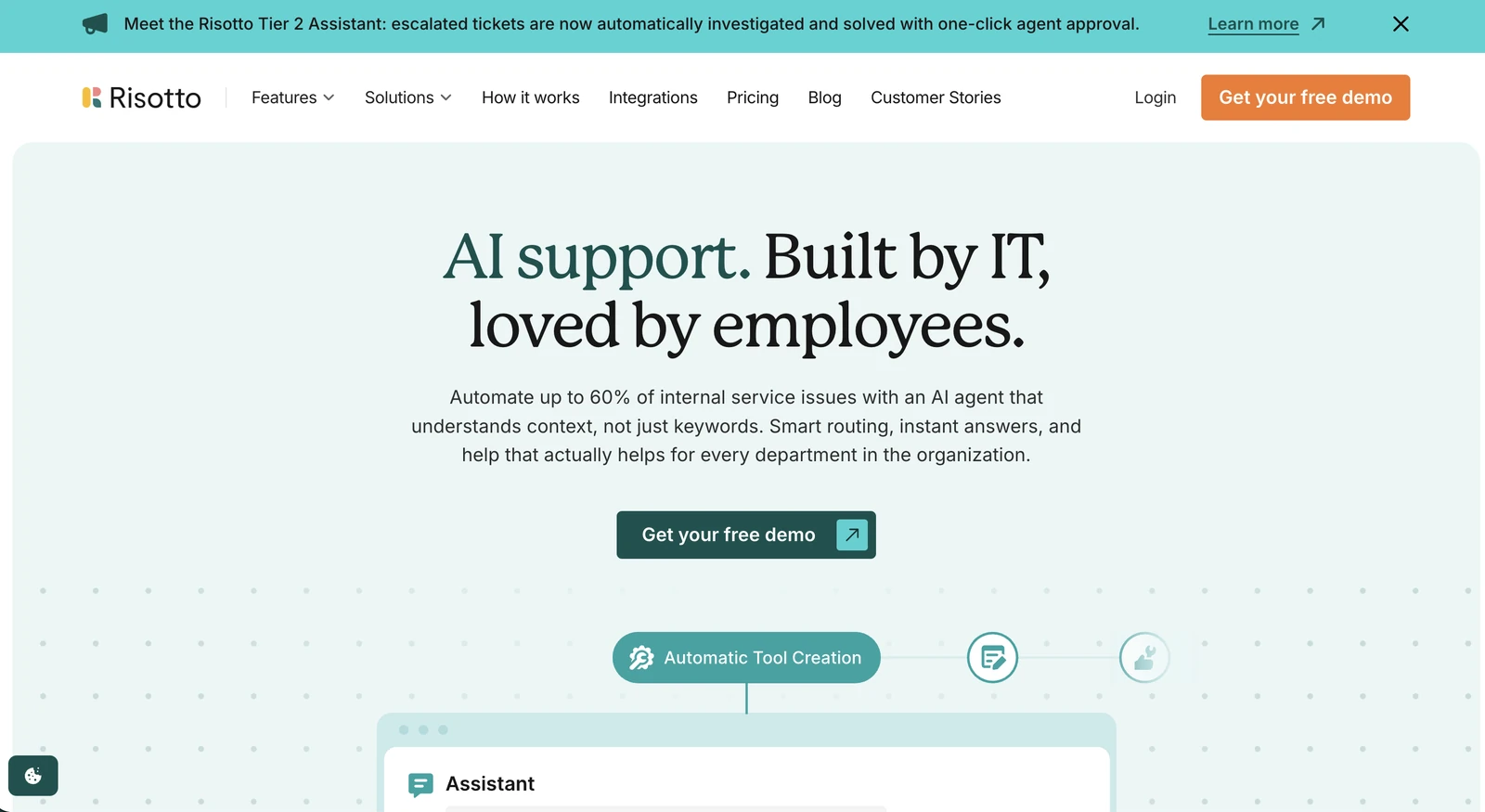
Risotto is an AI-native ITSM platform for mid-market IT and HR teams. It combines a service desk with an automation engine, so it can manage incoming tickets and carry out the work needed to resolve them.
Employees can request help through Microsoft Teams, and Risotto can resolve common Tier-1 issues without involving an IT technician. It also works alongside existing ticketing systems such as Jira Service Management, Freshservice, and ServiceNow, which allows teams to keep their current ITSM.
Here's how that works in Teams. Say an employee needs access to an application for four hours. They send Risotto a direct message explaining what they need.
Risotto identifies the request and sends an approval card to the appropriate manager in Teams. Once approved, it grants access through Microsoft Entra ID, records the approval on the ticket, and removes access when the four hours expire.
Risotto handles other common requests in the Teams chat too. It can retrieve BitLocker recovery keys through Intune, reset Entra passwords, and help employees reset MFA after changing phones.
Risotto can auto-resolve up to 70% of Tier-1 requests, although results depend on the organization's request mix. Gusto, which runs Risotto in Slack, auto-resolves 55% of tickets on average.
When a request needs human intervention, Risotto creates and categorizes the ticket before routing it to the appropriate technician. The ticket includes the employee's conversation and relevant context, so IT doesn't have to start the investigation from scratch.
Key features:
- Tier-1 ticket automation: Handles multi-step troubleshooting, screenshots pasted into the chat, and requests made on behalf of someone else.
- Tier-2 Assistant: Investigates escalated tickets and recommends resolution steps for technicians to review.
- Automated runbooks: Lets IT build multi-step workflows from a template or in plain English with the Assistant.
- ITSM integration: Creates tickets and syncs request details, comments, and approvals with existing ticketing systems. Replies from Jira can also appear in Teams.
- Approval records: Keeps the request, approval history, and resulting access changes connected to the ticket.
Integrations: Microsoft Teams, Entra ID, Intune, Okta, Jira Service Management, Freshservice, ServiceNow, and SharePoint. See the full list of Risotto integrations.
Pricing: The Startup plan costs $1,250 per month, billed annually, for organizations with fewer than 200 employees. Pricing for larger organizations is custom, and a 30-day free trial is available.
Limitations: A verified user at a mid-market computer software company reported that Risotto sometimes offers to grant access to an application when an employee is only asking for information about it.
See Risotto solve a real IT request inside Microsoft Teams. Book a demo.
2. Freshservice: Best for teams that want a full ITSM platform with Teams integration
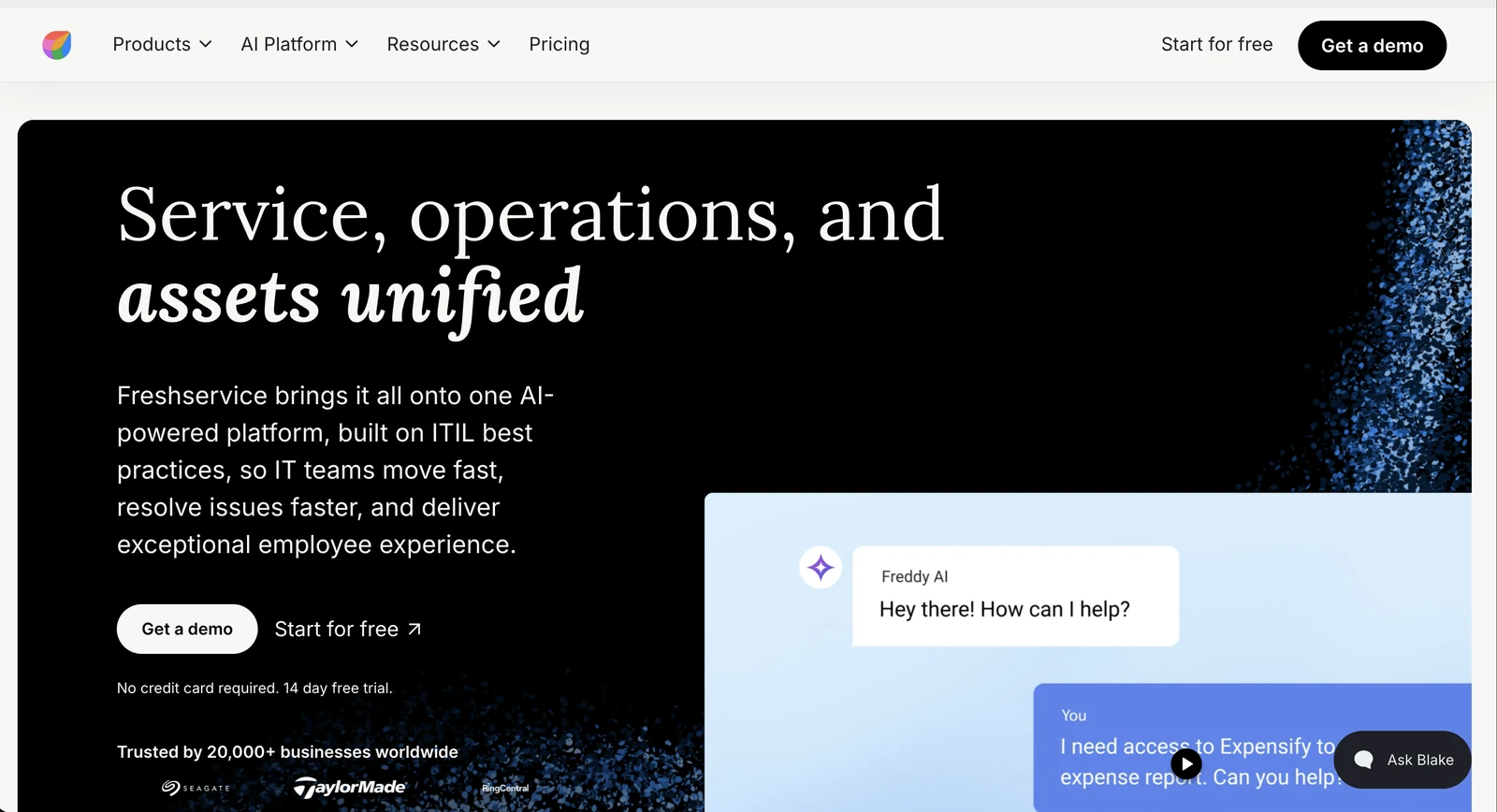
Freshservice is an ITSM platform that combines ticket management with asset management, workflow automation, and a self-service menu of IT requests like software access or applying for a new laptop.
On every plan, ServiceBot connects Teams to Freshservice, so IT can work tickets without leaving Teams. The employee-facing side is Enterprise only: Freddy AI Agent lets employees ask questions and raise requests in Teams, with 1,200 sessions a year included per Enterprise license.
Even on Enterprise, not every request can be finished in Teams. Forms with more than seven fields, or ones that ask for an attachment or change based on earlier answers, will send employees to the self-service portal instead.
IT technicians still do most of the work in Freshservice itself. Because Freshservice is the ITSM, adopting it means moving your records there.
Key features:
- Microsoft Teams ServiceBot: Suggests knowledge base articles in the chat, and lets employees check ticket status and approve or reject pending requests with chat commands.
- Workflow automation: Automates ticket routing, approvals, and service request processes.
- ITSM capabilities: Includes incident management on every plan, plus problem and change management from the Pro plan.
- Freddy AI Copilot: Drafts agent replies and summarizes tickets, as a $29 per agent per month add-on.
Integrations: Microsoft Teams, Microsoft 365, Microsoft Entra ID, and other applications through the Freshworks marketplace.
Pricing: Starter is $19, Growth is $49, and Pro is $99 per agent per month, billed annually. Enterprise pricing is custom and includes Freddy AI Agent. There's a 14-day free trial.
Limitations: An innovation and technical specialist at a small business said on G2 that the more advanced Freddy AI features are only available on Enterprise plans or via paid add-ons.
3. Rezolve.ai: Best for enterprises adding AI self-service to an existing ITSM
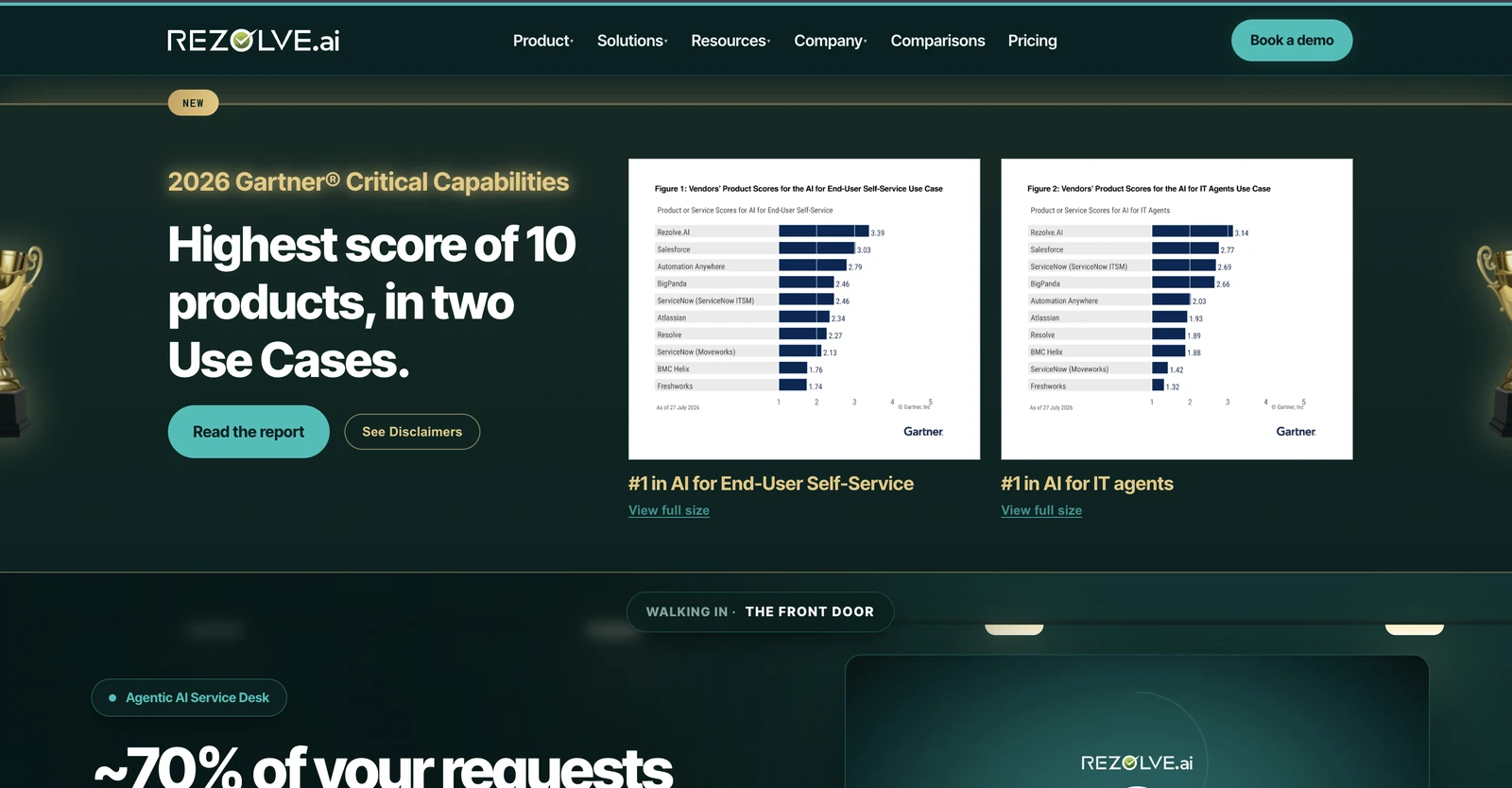
Rezolve.ai is an agentic AI service desk for large enterprises. It's scoped for organizations with 2,000 or more employees, and one deployment covers IT, HR, and finance.
Its AI assistant, Sidekick, gives employees one place to ask for help across those departments, in Microsoft Teams, Slack, email, the web, or by phone. It answers from knowledge you approve, cites its sources, and handles requests like password resets, software provisioning, leave bookings, and expense filing.
Rezolve.ai is built around governance. Every answer comes with its reasoning, and when a request needs a person, the reply Sidekick drafts is only sent after the agent reviews it.
It can run standalone as your ITSM, or as an AI layer on top of ServiceNow, Freshservice, or Jira.
Key features:
- Automation Catalog and Marketplace: Offers 29 ready-to-run automation flows and 50 prebuilt agents to clone.
- DeskIQ: Ranks automation opportunities from 12 months of ticket history, with the projected impact of each.
- Explainable AI: Shows the reasoning behind every answer, so IT can review how Sidekick reached it.
Integrations: Microsoft Teams, Slack, ServiceNow, Freshservice, and Jira, plus HRIS and identity tools.
Pricing: Quoted after a scoping call, per employee and per ticket-working seat. Contracts typically run two to three years. Autonomous agents are priced separately, by annual fee or per run.
Limitations: A human resources specialist at a mid-market company said on G2 that the bot can get finicky when asked to repeat past successful answers. Using it only through Teams, they also couldn't send attachments to users. An IT service desk supervisor said ticket filtering and customization were too simple. Rezolve.ai's G2 reviews date from 2021 to 2025, so some may not reflect the current product.
4. Desk365: Best for small teams that want a low-cost help desk in Teams
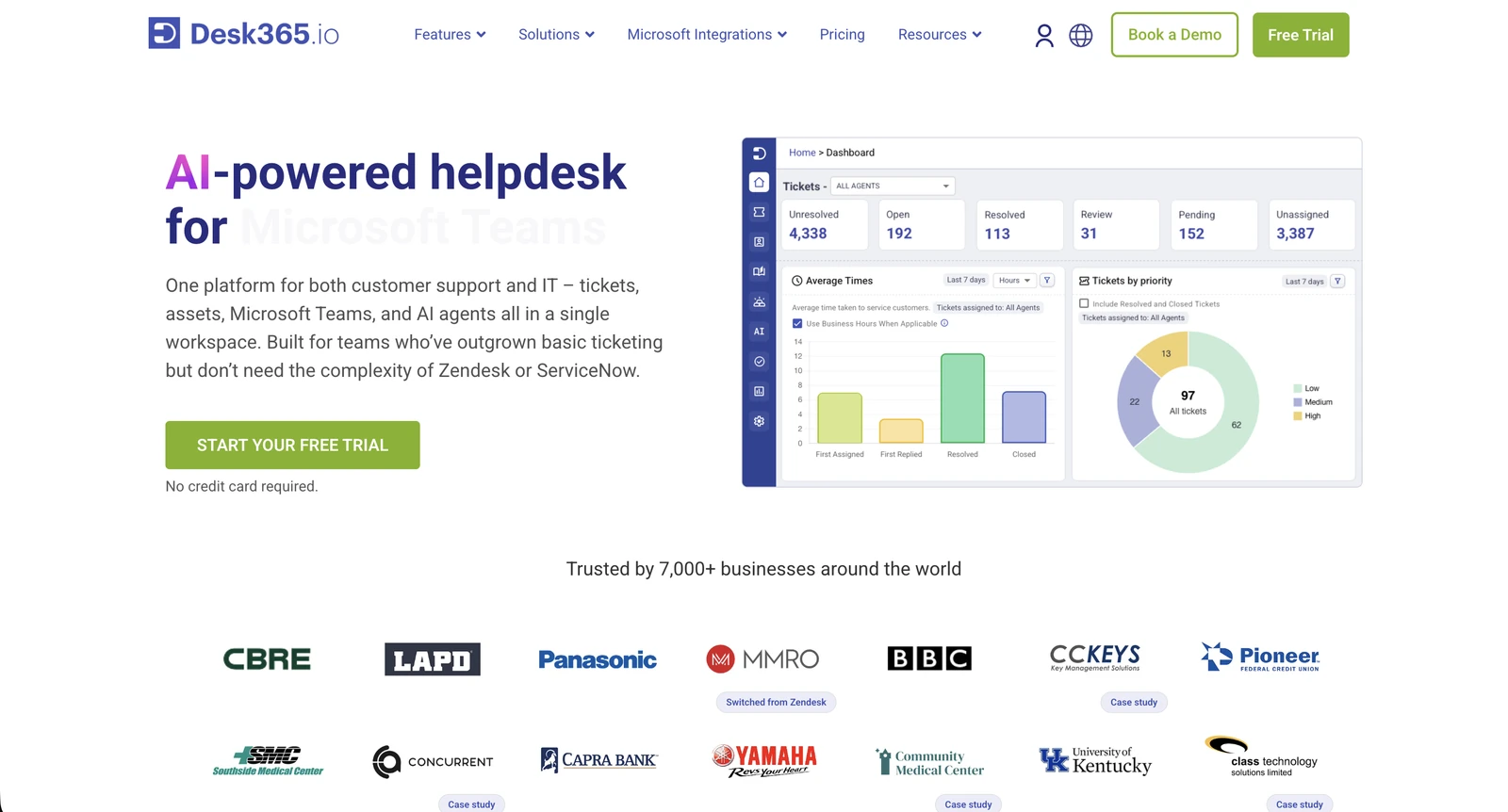
Desk365 is a help desk platform that lets employees submit support requests and IT agents manage tickets through Microsoft Teams. It offers two Teams apps: the Support Bot for employees and the Agent Bot for agents.
Employees open the Support Bot, select Create Ticket, and fill in a form describing their issue. They can also attach files and check the status of existing tickets without leaving Teams.
Agents can turn any message from a Teams chat or channel into a ticket, with the original sender set as the requester. They can then use the Agent Bot to reply, add notes, and update the ticket's status, priority, and assignee.
Desk365 also has an AI Agent add-on that answers employee questions from your knowledge base and escalates what it can't resolve as a ticket. It isn't available in Teams yet; Desk365 offers it on websites and its support portal, with Teams listed as coming soon.
Desk365 is a standalone help desk, so you would have to replace your current ticketing system.
Key features:
- Agent Bot: Sends agents push notifications and lets them work tickets from the Teams mobile app.
- AI Copilot: Drafts replies, summarizes tickets, and generates knowledge base articles.
- Change and approval management: Runs changes through automated approval workflows (Plus plan and above).
- SLA management: Tracks deadlines and sends reminders and escalations for overdue tickets.
- Asset management: Imports Intune-managed laptops and mobile devices on a weekly or manual sync, so agents can link the affected device to a ticket and see its details (Premium plan).
Integrations: Microsoft Teams, Entra ID, Intune, Power Automate, Microsoft 365 Copilot, and Jira (through the API).
Pricing: Standard is $12, Plus is $22, and Premium is $32 per agent per month, billed annually. A free plan covers up to 50 tickets a month, and there's a 21-day free trial. AI Agent credits cost $50 per 1,000, with 100 a month included on Plus and 200 on Premium.
Limitations: G2 reviewers want stronger reporting. One IT manager at a nonprofit asked for more robust metrics on tickets and knowledge base views.
5. Tikit: Best for Microsoft-first IT teams running the service desk in Teams
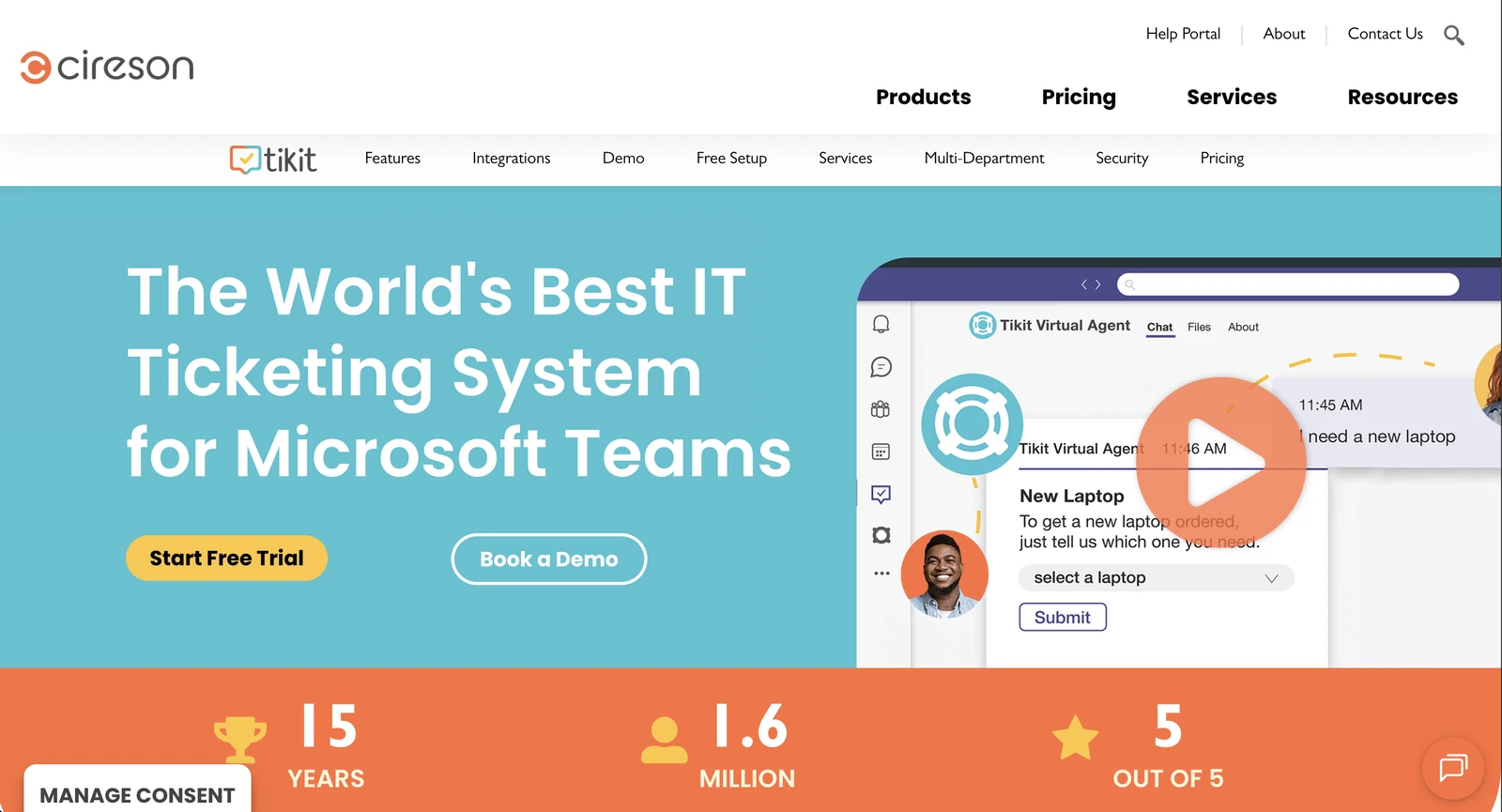
Tikit, from Cireson, is a service desk built for Microsoft Teams and the rest of Microsoft 365.
Employees use the Tikit Virtual Agent in Teams to ask questions, submit requests, and check ticket statuses. The Virtual Agent can suggest answers from the knowledge base, helping employees resolve common questions without involving IT. Requests that need further assistance can be submitted as tickets for a technician to handle.
Agents work tickets in the Tikit app in Teams, including on mobile, and can turn any Teams message into a ticket with a right-click. There's also a web app for agents and employees.
Power Automate and Azure Logic Apps handle workflows like onboarding and offboarding. Tikit is its own service desk, so it would replace your current ticketing system.
Much of this depends on plan. The entry-level Microsoft Teams Ticketing plan covers ticketing in a single team, while knowledge base answers, the web app, and workflows need a higher plan.
Key features:
- Tasks, approvals, and SLAs: Adds task tracking, approval steps, and SLA targets to tickets.
- Multi-department support: Lets other departments run their own service desks in Tikit alongside IT.
- Asset management: A Power App for tracking assets, with device data from Intune (Microsoft 365 ITSM plan).
- Power BI reporting: Builds reports and dashboards from ticket data.
Integrations: Microsoft Teams, Entra ID, Intune, Exchange Online, Power Automate, Azure Logic Apps, Power BI, Azure OpenAI, and Azure DevOps.
Pricing: Microsoft Teams Ticketing is $26, Microsoft 365 Service Desk is $39, and Microsoft 365 ITSM is $49 per agent per month, billed annually. The Microsoft Teams Ticketing plan covers a single Team. End users are free, and there's a 14-day free trial.
Limitations: In a Capterra review, a director of IT in wholesale said the Teams app doesn't always show full ticket comments or attachments, so he uses the web app instead.
How to choose the right Microsoft Teams ticketing tool
Before you book any demos, pull last month's most common Teams requests. The right tool is the one that can resolve most of them without someone from IT stepping in. Bring that list to every demo, and check each tool against these six factors:
- How much it finishes in the chat: Ask for the auto-solve rate on your own top request types, and ask which actions it can take, like providing time-limited access with the right approver, or a password reset.
- Where agents work: Some tools keep agents in Teams, while others send them to a separate help desk, so check that the setup fits how your team works.
- How employees ask: Check that employees make requests in a 1:1 chat. Because every request lands in that same running conversation, also ask how the tool tells when an employee has moved on to a new issue and opens a separate ticket for it. Then check that forms and attachments work inside Teams instead of pushing people to a portal.
- Whether the chat and the ticket stay in sync: Confirm which way updates flow, and whether you can keep your current ITSM as the system of record, and if it syncs every request or only escalations.
- What each plan includes: AI features and other parts of the Teams experience are often limited to higher plans or add-ons, so price the plan that covers what you need.
- How it fits your Microsoft 365 tenant: Check that it works with Entra ID, Intune, and SharePoint, and whether it's listed in the Teams Store, since custom Teams apps can trigger extra security reviews. Also ask whether the vendor will commit in the contract that your data won't be used to train its models.
Pick the Teams ticketing tool that auto-resolves requests in the chat
The best Teams ticketing tool should do more than turn a message into a ticket. For routine requests, it should be able to complete the work in Teams, get approval from the right person, and keep a record of what happened.
That means fewer password resets, access requests, and other repetitive issues reaching your IT team in the first place.
Risotto is built for mid-market IT teams that want this automation without replacing their ITSM. It brings chat-based ticketing to Teams, finishes requests like time-limited access and Entra password resets in the chat, then logs the ticket and the approval in Jira Service Management, Freshservice, or ServiceNow.
Your ITSM stays the system of record, and Risotto aims to resolve up to 70% of Tier-1 requests before they reach IT.
Frequently asked questions
No. Teams handles chat, channels, and meetings, but it doesn't track requests as tickets with an owner, a status, and an approval record. To get ticketing in Microsoft Teams, you add an app. That can be a help desk built for Teams, like Tikit or Desk365, or a layer like Risotto that connects Teams to the ITSM you already run.
It depends on what you want to happen after an employee asks. If you want common requests finished in the chat on top of your current ITSM, look at Risotto. If you want a full ITSM with a Teams bot, look at Freshservice. For a low-cost help desk built around Teams, Desk365 and Tikit are strong options, and Rezolve.ai fits enterprises with 2,000 or more employees.
Yes, for some tools and some request types. Some AI bots only answer questions from the knowledge base and leave the request itself with IT. Others complete common requests, like password resets and time-limited access, inside the Teams chat. To compare them, ask each vendor for its auto-solve rate on your own request types.
Yes. Tools like Risotto sit on top of ServiceNow, Jira Service Management, or Freshservice, so your system of record doesn't move. With Risotto, you can create an ITSM ticket for every request, per department, or only for requests that escalate to a person.
Liked the article? Share on:
On this page
Find out how many of your Teams requests Risotto can auto-solve.





Want faster solutions and happier employees?
Access that's easy to ask for and impossible to get wrong.
Ensure Legal never answers another "do we need an NDA for this?"
Every policy question is stealing time from the work Finance was hired to do.
Turn Slack requests into action items instead of engineering interruptions.
The biggest deal risk might be an unanswered internal question.
Run a united support system that your employees can depend on.
Build the automations you’ve been planning on for months.
The bottleneck isn't your team. It's the groundwork before they can actually help.
Get support data that your team can talk to.
Jump on a call to understand:
Risotto handles repetitive support requests across tools and teams, so IT gets back to solving real problems, not rerunning the same ones.


See what makes the Iru integration a 10/10 for our clients.